Free S9 Lava or the LAVA control inside S9 Sampler?
Use the free S9 Lava effect on any audio track in your DAW. Use the LAVA control in S9 Sampler’s Magic section when you are already working on a sample. The free effect has more controls and goes further at the top of its range.
Start with the job. A bass track that just needs warmth doesn’t need a sampler. Chopping, playing and rearranging a recording does.
For S9 Lava 0.1.3.
Step by step
What are you working on?
An existing bass, drum or instrument track: use S9 Lava. A recording you want to chop or play: use S9 Sampler.
S9 Lava’s controls
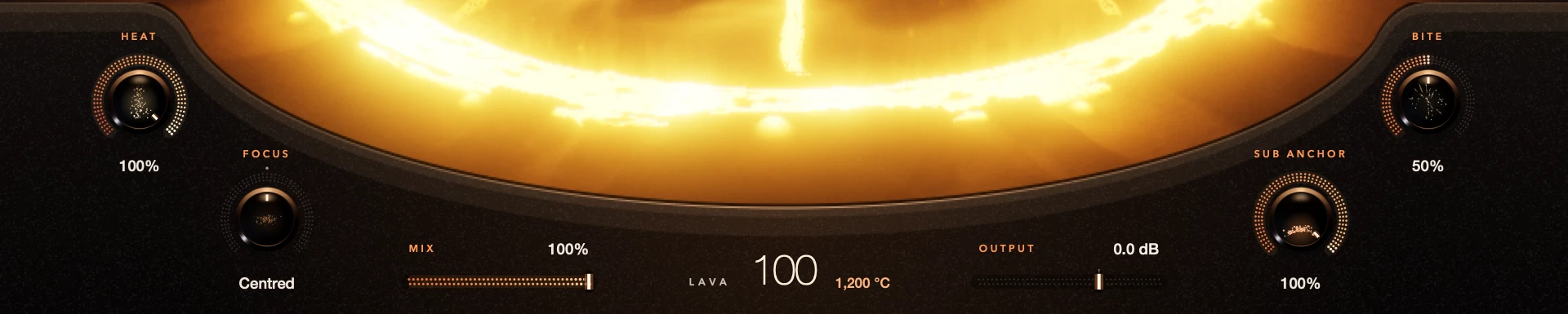
The volcano plus Heat, Focus, Sub Anchor, Bite, Mix and Output, on whatever audio reaches the track.
LAVA in S9 Sampler
LAVA is one of the Magic effects. Magic Mix blends Magic in, and Perfection has its own amount.
Try either
S9 Lava is a free download. S9 Sampler has a 7-day free trial.
Good to know
Just want warmer bass?
Start with the free effect. Try S9 Sampler when you need its recording, chopping or instrument tools.
Settings don’t match one to one
The free effect has extra controls and a wider range, so the same knob position won’t sound identical.
Every control included. No account, activation or trial limit.