S9 GravityComing soon

Give your sound weight.

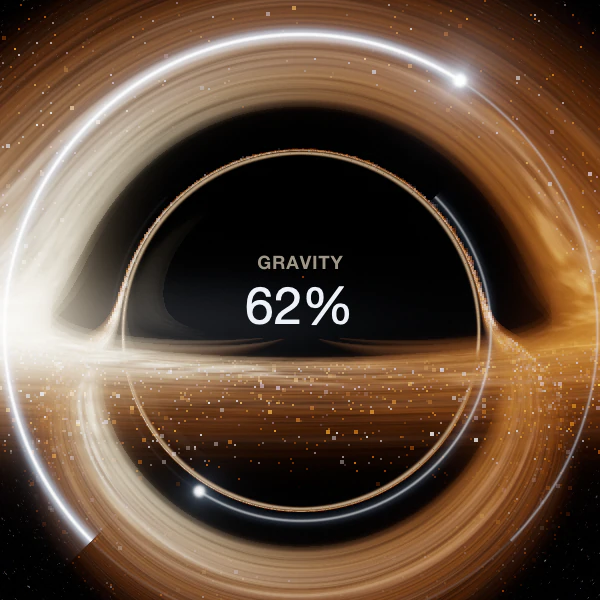
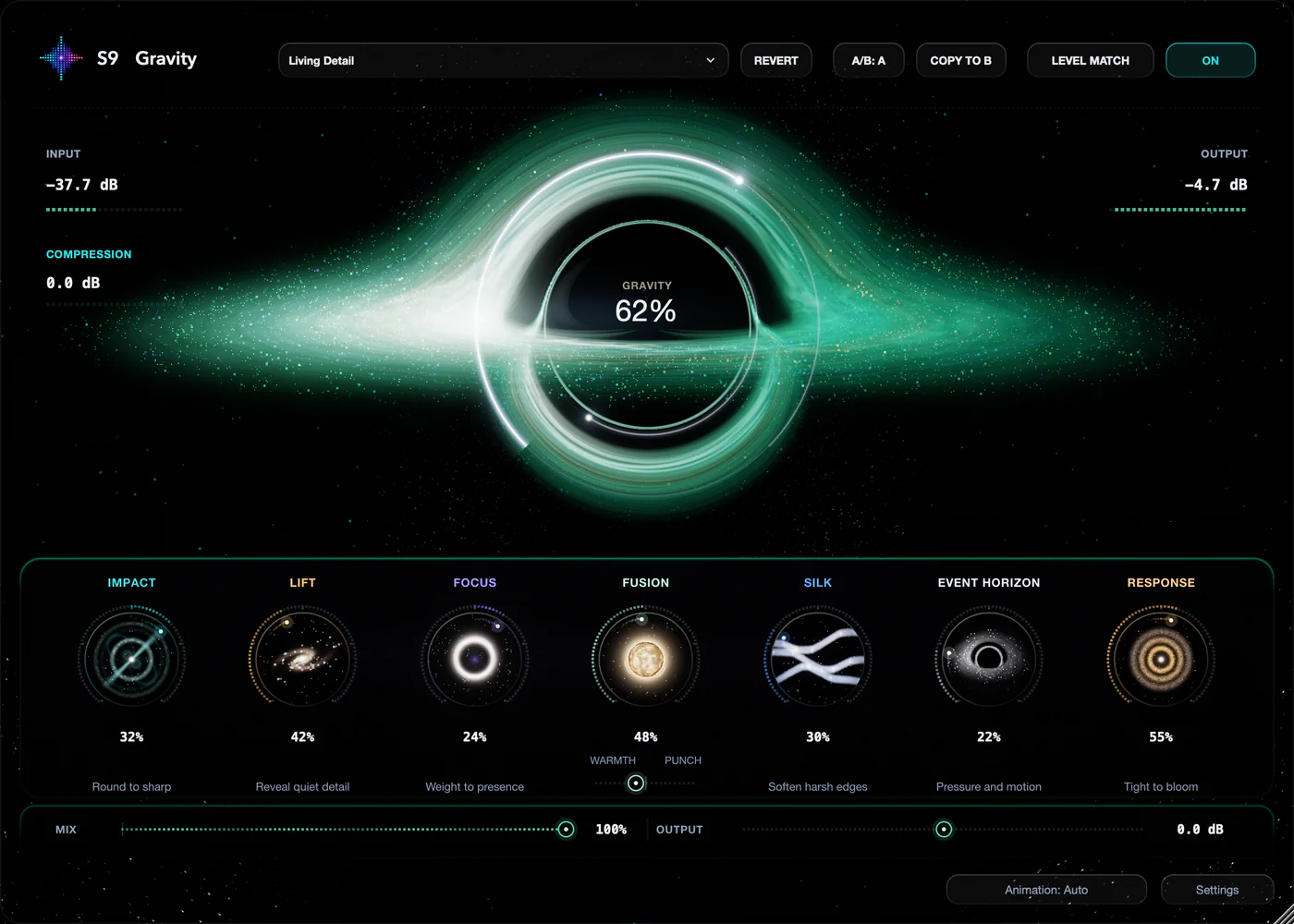
Body behind every hit. Quieter detail brought closer. Turn up the black hole for density, then shape the attack, colour and space around it.

Paid beta coming soon · Mac | Windows | Linux · AU / VST3

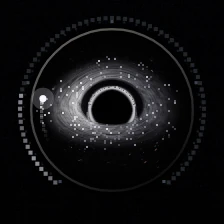
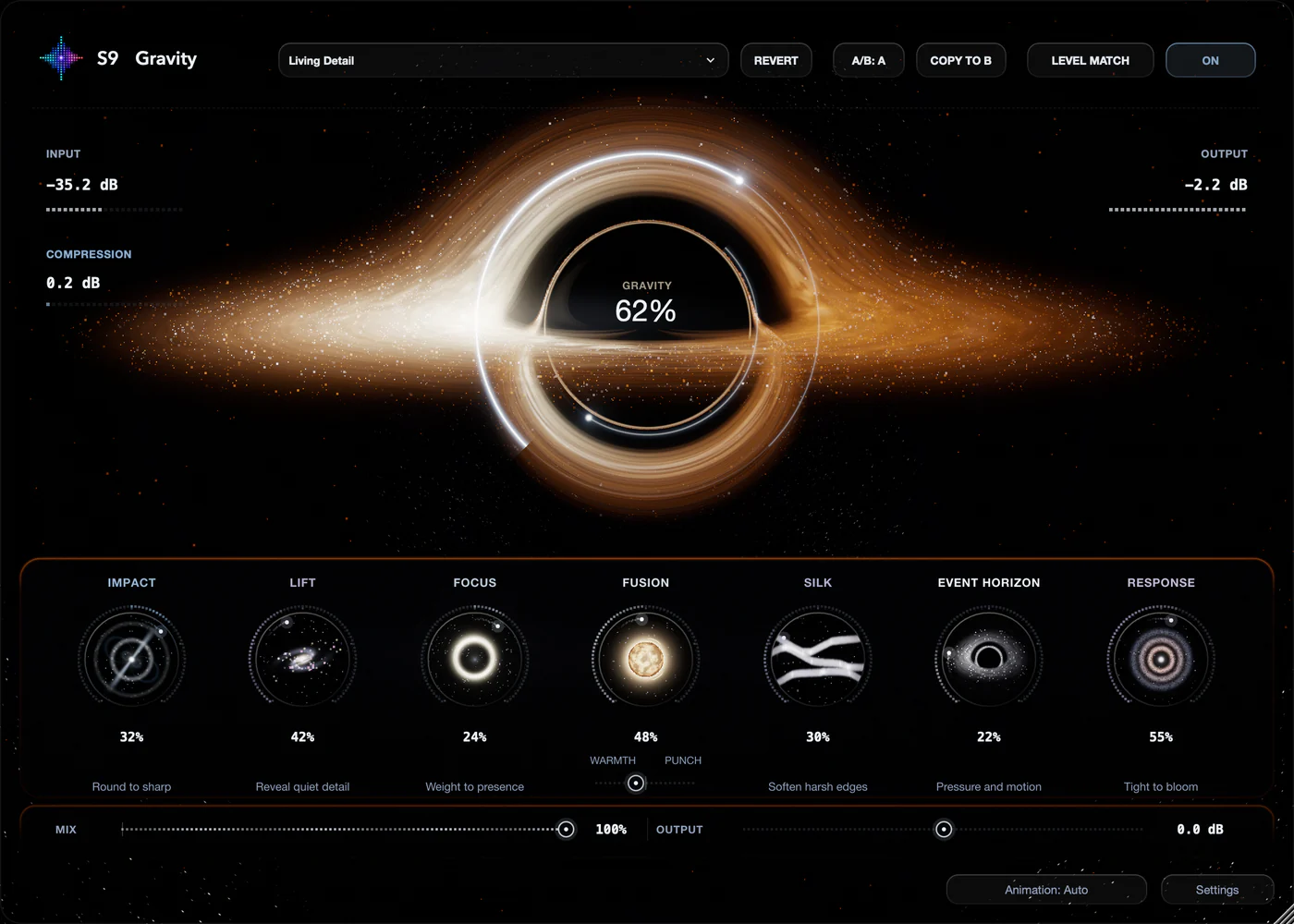
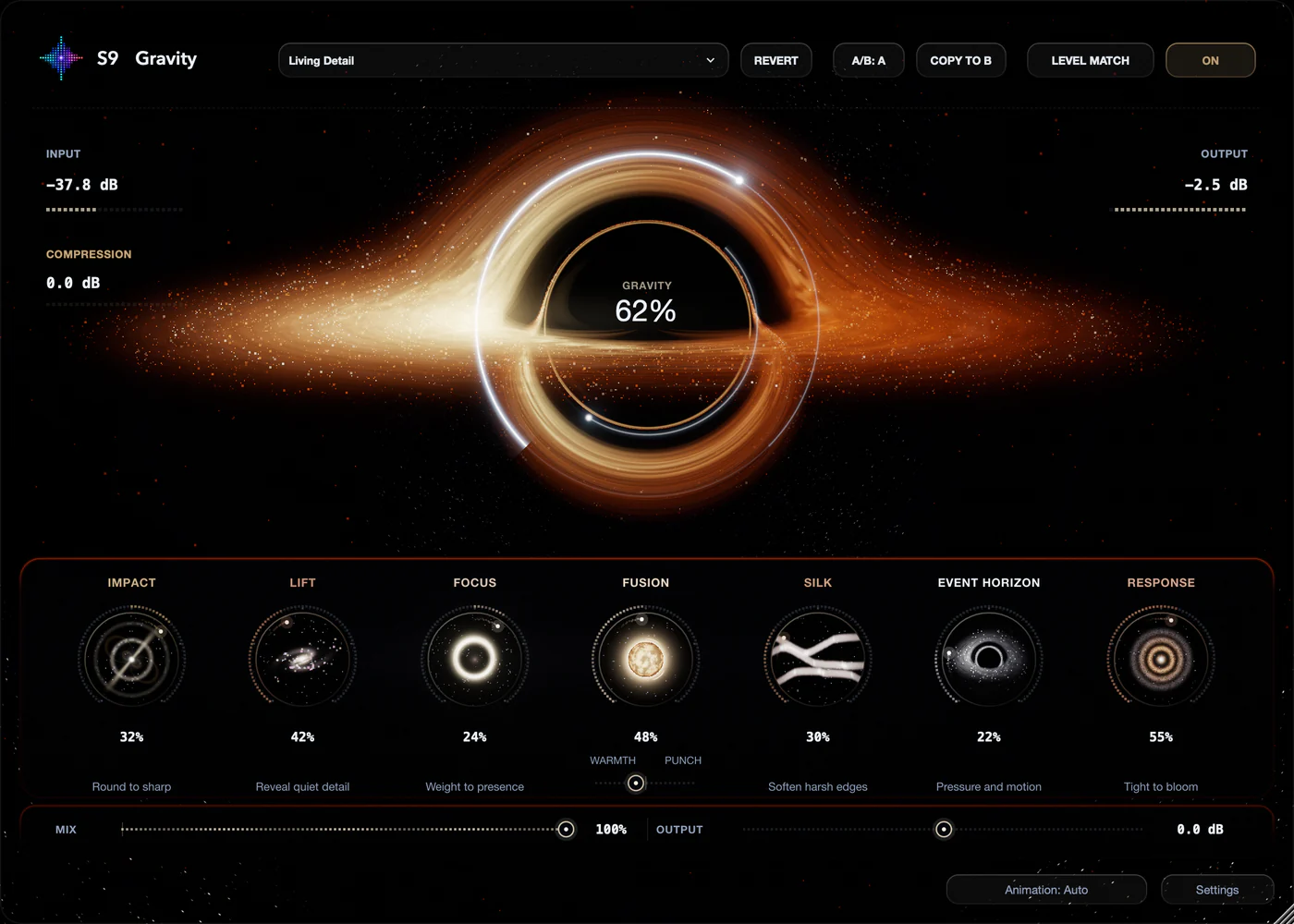
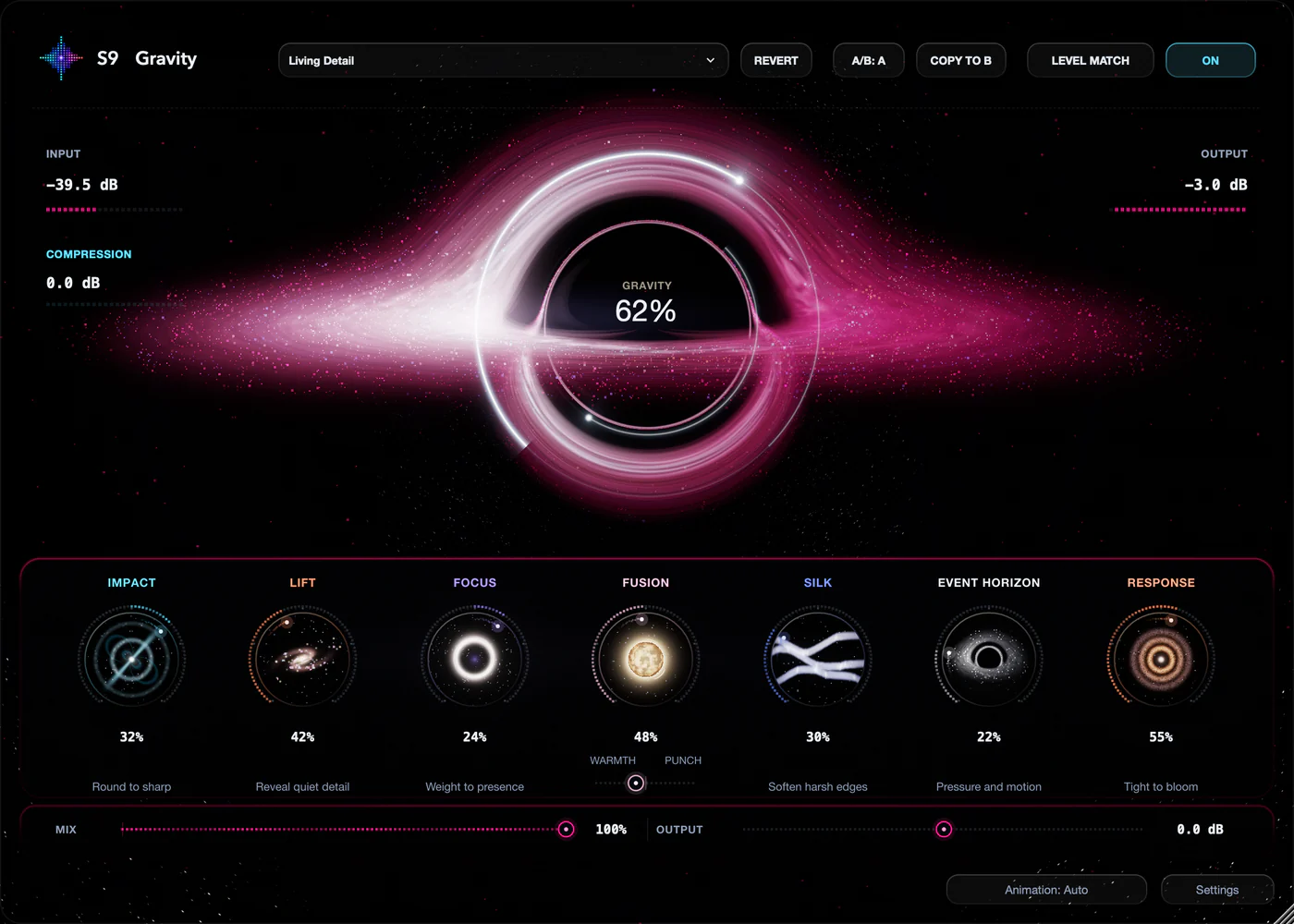
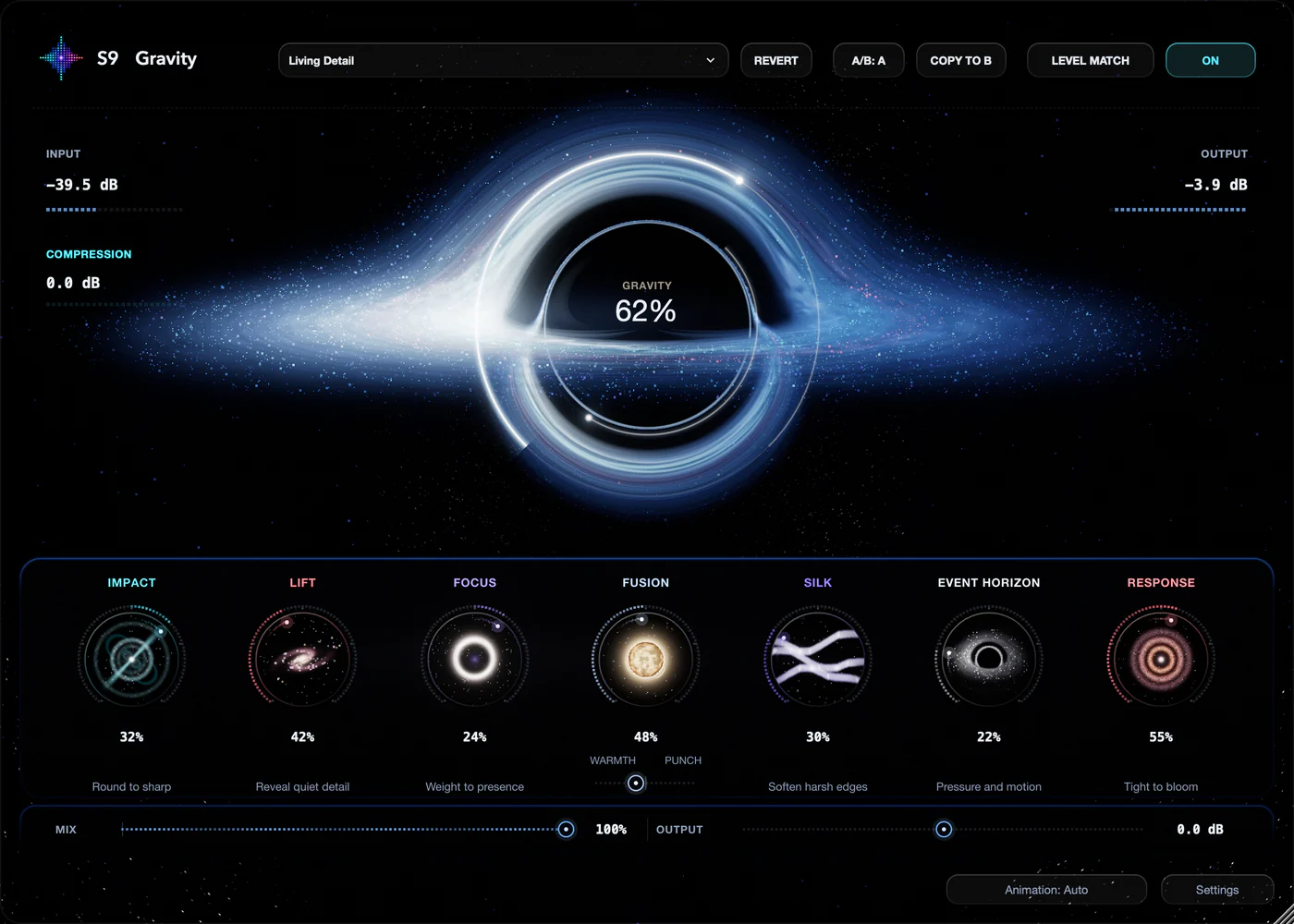
Recorded from the real S9 Gravity interface · only the Gravity control moves

01 · The controls

Start with Gravity. Shape the rest by ear.

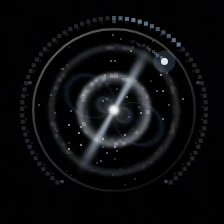
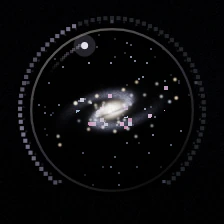
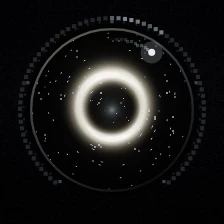
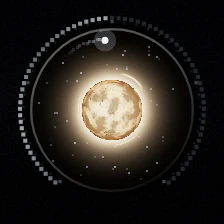
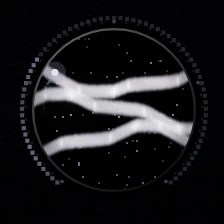
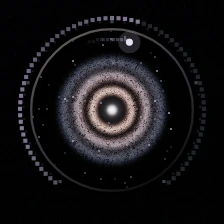
Gravity is the black hole in the middle: turn it up for more density and body. Seven controls orbit around it, each with its own small world that moves as you turn it.

  1. Gravity

    Body and density

    The black hole at the centre. Turn it up for more density and body behind the sound.

  2. Impact

    Round to sharp

    Rounds off the attack, or brings it forward.

  3. Lift

    Reveal quiet detail

    Brings quieter parts closer. Strong settings also bring up breaths and room sound.

  4. Focus

    Weight to presence

    Chooses where Gravity adds its body, from low weight to upper presence.

  5. Fusion

    Warmth · Punch

    Adds character. Its balance moves between warmth and punch.

  6. Silk

    Soften harsh edges

    Smooths harsh energy in the top end.

  7. Event Horizon

    Pressure and motion

    Adds pressure and movement, for a more forceful sound.

  8. Response

    Tight to bloom

    A short room that follows your playing, from a tight body to an open bloom.

02 · Compare

Hear the sound, not just the level.

More density can make a track louder, and louder often sounds better at first. Gravity gives you the tools to compare fairly before you keep a setting.

S9 Gravity’s comparison controls: Revert, A/B: A, Copy to B, Level Match and On
  • Level Match

    Compares the effect at a similar volume to your original.

  • A/B and Copy to B

    Keeps two settings side by side. Switch between them while you listen.

  • Presets and Revert

    Start from a factory preset, save your own, and return to where you started.

03 · Your view

Five palettes. The same sound.

Choose the colours of the black hole and its controls. Animation follows your system’s reduced-motion setting, or set it yourself. Appearance never changes the audio.

S9 Gravity in the Obsidian palette
04 · Get S9 Gravity

One payment. Every control.

Buy it once and keep version 1, with every control and every version 1 update. Use it offline after activation.

  • Gravity and all seven controls, presets, A/B and Level Match
  • Version 1 and its updates
  • One active computer at a time. Move it whenever you like
  • Works offline after activation

Launch price

$39USD · one payment

Through 31 December 2026. Planned regular price $79 from 1 January 2027.

Try every feature for 7 days first. No card, no automatic charge.

Coming soon

Buying and the trial open with the paid beta. Licence · Purchase terms

Systems

macOS
macOS 13.3 or later · Apple Silicon and Intel · AU / VST3
Windows
Windows 10 or later · 64-bit Intel/AMD · VST3
Linux
Linux x86_64 · glibc 2.35+, OpenSSL 3, Secret Service keyring · VST3

An AU or VST3 host. Mac, Windows and Linux are released together. Release notes

Questions

Good to know.

Contact support
What does S9 Gravity do?

Gravity is an audio effect for body, attack and presence. Turn up the black hole for more density, then shape the attack with Impact, bring quieter detail closer with Lift, and set the character, softness and space with Focus, Fusion, Silk, Event Horizon and Response.

Does it just make things louder?

Gravity is built to change density, attack and detail, not only the level. Those changes can make a track louder too, so turn on Level Match to compare at a similar volume and judge the sound itself.

Does Gravity limit output peaks?

No. Gravity has no final limiter or output ceiling. Set the level with Output and watch your DAW’s meters, especially with Gravity and Event Horizon turned up high.

Can Lift bring up noise?

Yes. Lift brings quieter material closer, and that includes breaths, room sound and recording noise. Gravity doesn’t remove noise, so set Lift by ear.

What does Response do?

Response adds a short room that follows your playing. Low settings keep the body tight; higher settings let it open into a bloom between hits and notes.

Is Gravity an instrument?

No, it’s an effect. Put it on an audio track, an instrument track or a bus to shape the sound that’s already there.

Can I try it first?

Yes. When the paid beta opens, you can try every feature for 7 days with no card and no automatic charge. Without an active trial or licence, Gravity passes your original audio through, and your projects and settings stay as you left them.

How many computers can I use?

A licence covers one person on one active computer at a time. You can move it to another computer from Settings › Account & Updates.

Does Gravity upload my audio?

No. Audio processing stays on your computer. Activation, update checks and feedback use the connections described in our privacy notice.

Which systems does it run on?

Mac with Apple Silicon or Intel (AU and VST3), 64-bit Windows (VST3) and Linux x86_64 (VST3). All three are released together, and the exact requirements are listed in the release notes.

How is it different from S9 Lava and S9 Sampler?

Lava is a free bass effect for warmth, weight and bite. Gravity works on any track or bus and gives it body, attack and presence. S9 Sampler is where you chop samples, separate stems and build instruments. Each has its own licence.