Heat
How hard the saturation works. Low is warm and round, high is gritty.
S9 LavaFree
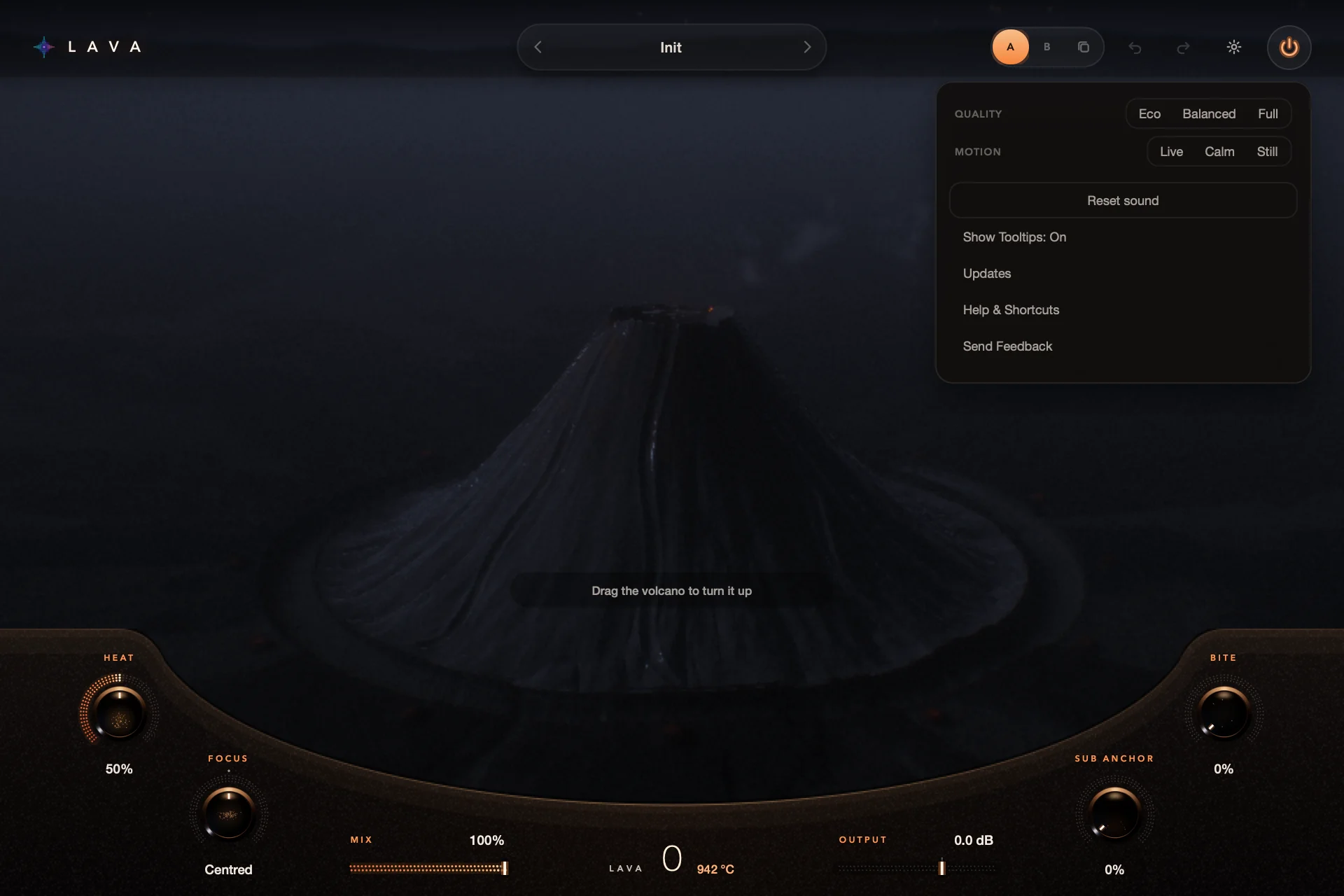
A free bass effect for 808s, kicks, synth bass and electric bass. Turn up the volcano for warmth and harmonics, then shape the character with Heat, Focus, Sub Anchor and Bite.
FreeVersion 1 and its updates. No card, no trial, no subscription.
Mac, Windows & Linux · AU / VST3
Recorded from the real S9 Lava editor · Warm 808 sound · only the Lava control moves
The volcano sets how much Lava you hear. It trims the added level as it works, so turning up adds mostly character, not volume. Four controls shape that character, and all of them are included.
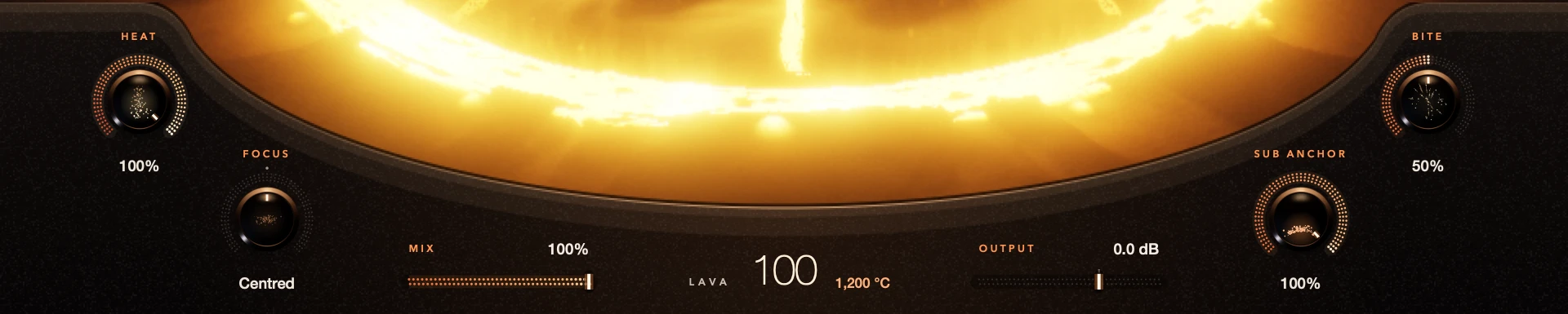
How hard the saturation works. Low is warm and round, high is gritty.
Moves the added harmonics between low weight and upper presence.
Adds more of the low end already in your bass. It doesn’t create a sub-octave.
Adds upper edge on its own, independent of Focus.
Seven factory sounds give you a starting point for 808s, bass guitar, synth bass, kicks and drums. Save your own, compare two settings with A/B, and undo as you go.
S9 Lava version 1 is free, including its version 1 updates. No card, no trial countdown and no subscription. No account or activation needed.
One installer for Mac with Apple Silicon or Intel (AU and VST3), one for 64-bit Windows (VST3), and an archive for Linux x86_64 (VST3).
Add S9 Lava to a bass, kick or drum track in your DAW.
Play your track and turn up the volcano. Every control works immediately, including offline.
macOS 13.3 or later · Apple Silicon and Intel · AU / VST3
Windows 10 or later · 64-bit Intel/AMD · VST3
Linux x86_64 · glibc 2.35+, GCC 12 runtime, OpenSSL 3 · VST3
An AU or VST3 host. Internet for downloads and updates; the effect works offline. The animated volcano uses OpenGL 3.2; the controls stay available without it.
Yes. Version 1 is free, including version 1 updates. There’s no card, trial countdown or subscription, and every control is included.
No. Download, install and use Lava. No sign-in or activation is needed.
Yes. All controls work offline from the first use. Internet is only needed for downloads and updates.
Yes. Install Lava on your other computers. There is no activation to transfer.
Lava tells you when an update is ready. Open Settings › Updates to read what changed and download it. Then choose Show Installer, close your DAW and run the installer.
808s, kicks, synth bass and electric bass. Kick Weight and Drum Warmth are factory sounds made for kicks and drums.
S9 Lava grew from the Lava effect in S9 Sampler’s Magic section. The standalone plug-in adds Heat, Focus, Sub Anchor and Bite and works on any audio track. S9 Sampler keeps its own Lava effect.
S9 Lava reports 16 samples of latency to your DAW, so the DAW can keep tracks aligned.
DAWs that host AU or VST3 plug-ins on Mac, and VST3 on Windows and Linux. Use the format supported by your DAW. See the release notes.
Open Settings › Send Feedback in S9 Lava, or email support@s9audio.com.