Soften clicks at the edges of sample Chops
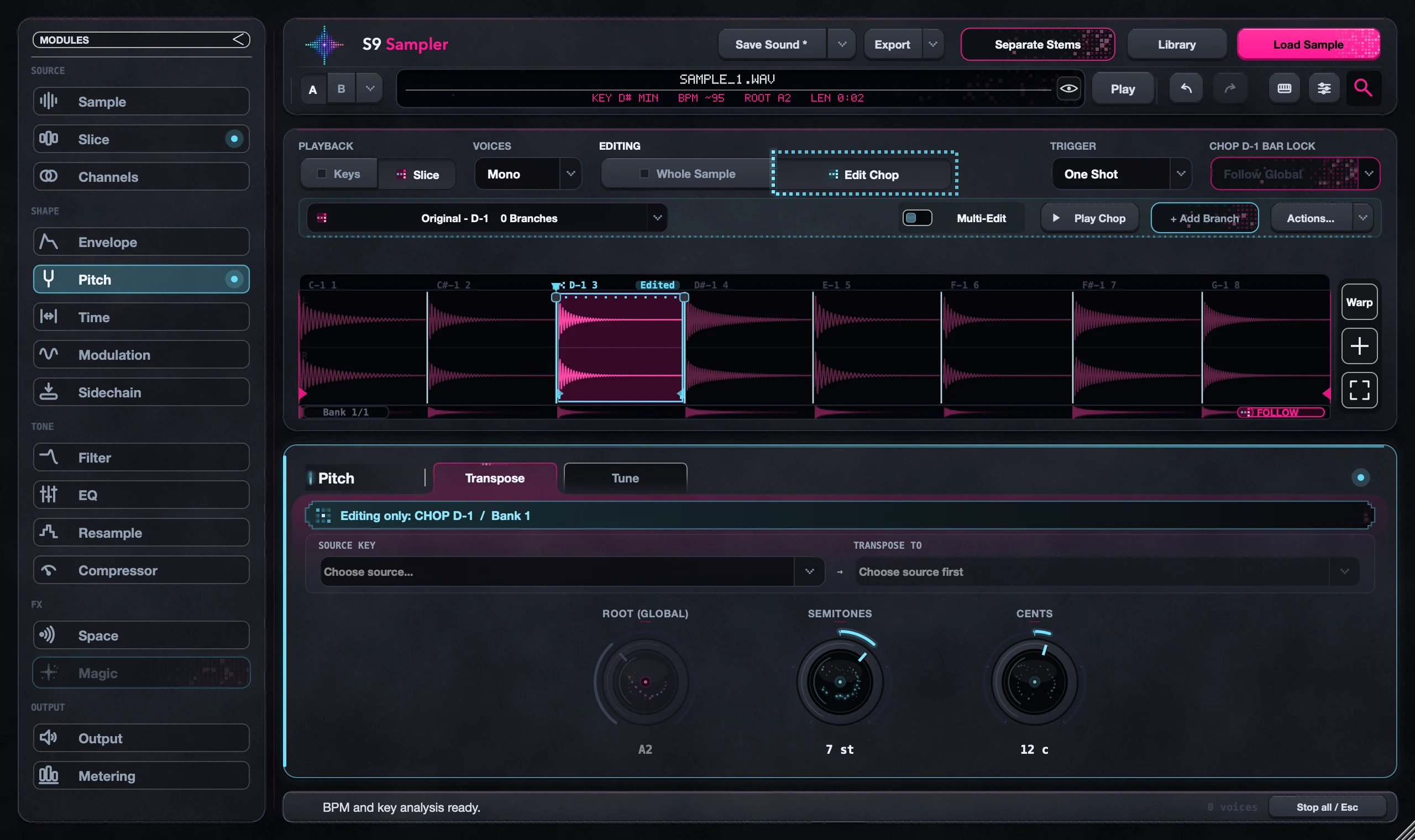
Zoom in on the Chop and check its cut, its Start and End, and its fade handles. A short fade softens a hard edge. Keep it short so a kick or consonant keeps its punch.
This fixes clicks at a Chop’s edges. If your whole session crackles, that is usually CPU or buffer size: check your DAW’s CPU meter and audio buffer instead.
For S9 Sampler 0.1.6 (paid beta). More help inside the app: Help & Shortcuts → Waveform & cuts.
Step by step
Find where it clicks
Play the Chop a few times and listen for the click at the start, the end or a join. Check the original recording too.
Zoom in on the cut
Zoom in or use the overview to see the edge. If the Chop starts in the wrong place, drag the divider’s upper handle.
Add a short fade
Drag the fade handle on the edge that clicks. Start small.
Check it in the beat
Play the Chop with the notes around it. Keep the version that sounds best in context, not just on its own.
Good to know
A fade changes the sound
A long fade hides the click and the attack. If the hit now feels late or weak, shorten the fade or move the cut.
Not every click is an edge
System crackles, missing audio and an effect tail need different fixes. Fades only fix the Chop’s edges.
7 days, all features, no card, no automatic charge.