Compare two complete sampler ideas with A/B
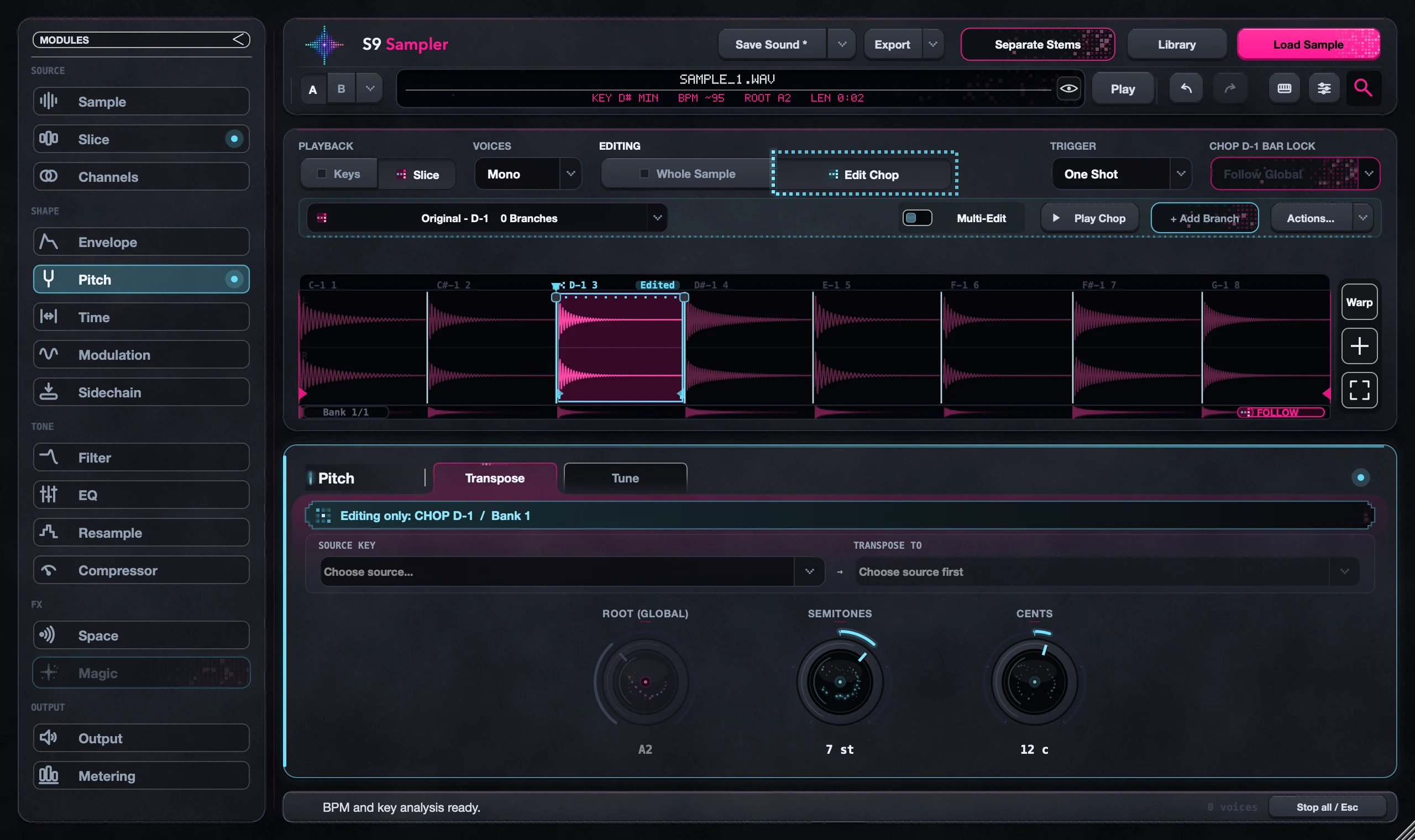
A/B keeps two complete versions of your sound, Chops and effects included. Your edits go into the slot that is active. To compare versions of just one Chop, use a Branch instead.
Use A/B when you’re asking whether a different overall treatment works better in the track. Play the same phrase each time.
For S9 Sampler 0.1.6 (paid beta). More help inside the app: Help & Shortcuts → Save & share.
Step by step
Pick your reference
Play a short phrase and choose the slot you want to keep as the reference.
Copy to the other slot
Use the arrow menu to copy your sound across, so both slots start the same. Check the direction before you copy.
Edit the other slot
Switch to it and make your changes. Check which letter is active before each edit.
Compare
Switch A and B on the same notes, in the track and solo. Match Output so loudness doesn’t decide for you.
Good to know
Keep the winner
Switch back to the slot you prefer, then save the sound. Use a Portable Pack if the audio needs to travel.
New audio starts over
Replacing the sample starts a fresh A/B. Undo can bring back the earlier sound.
7 days, all features, no card, no automatic charge.