Why a Whole Sample change doesn’t affect one Chop
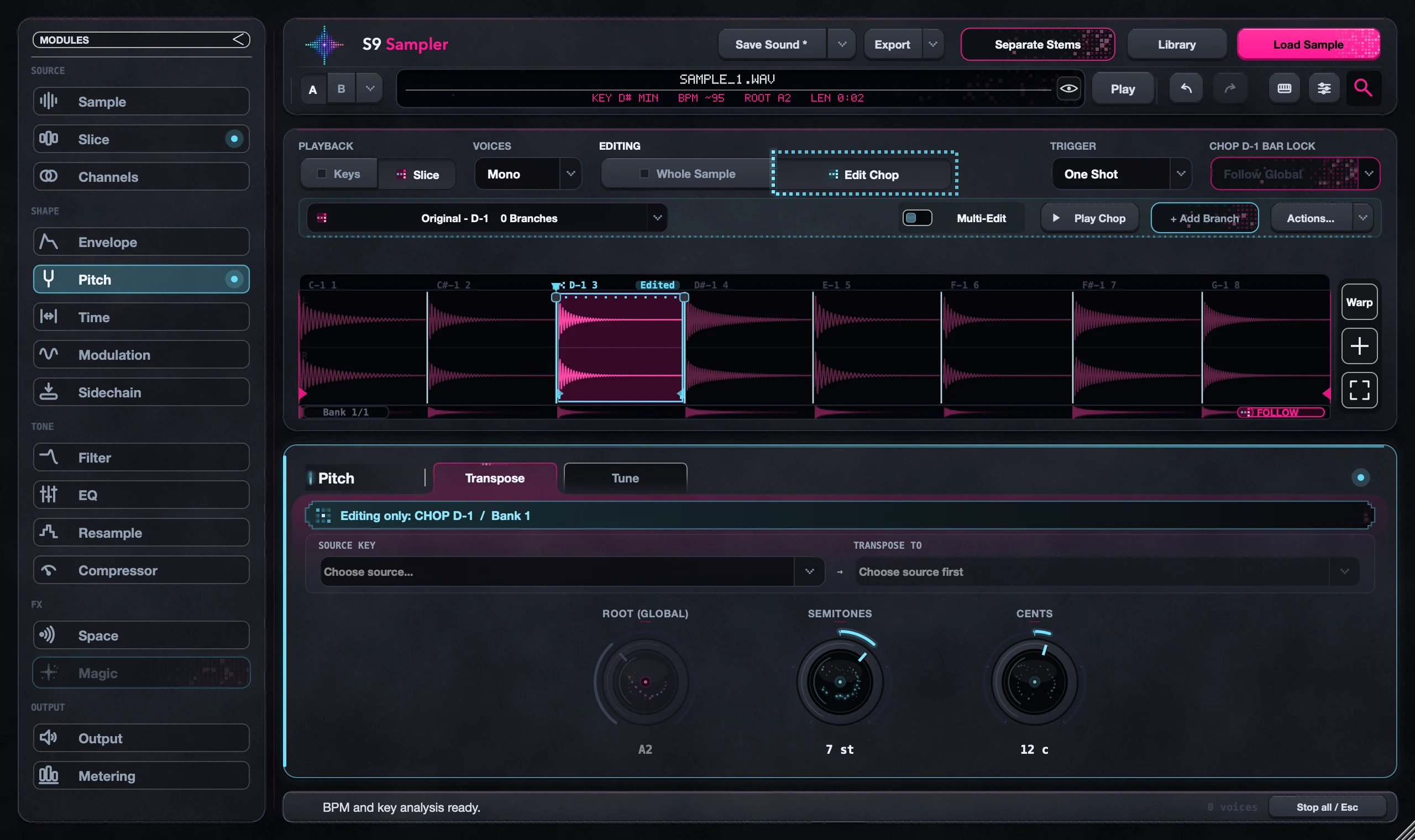
That Chop has its own setting for the effect. Select it and open its Edited badge to see which effects it changed. Choose Use Whole Sample on that effect to make it follow the shared sound again. Whole Sample never erases a Chop’s own edits.
This explains the common case where every Chop responds to a shared filter or timing change except one. Fix that one effect instead of resetting the whole sound.
For S9 Sampler 0.1.6 (paid beta). More help inside the app: Help & Shortcuts → Chop editing.
Step by step
Find the odd one out
Play the Chop that doesn’t change next to one that does, and note which effect is different.
Open its Edited badge
Select the Chop, choose Edit Chop and click the Edited badge to see which effects it changed.
Restore just that effect
Choose Use Whole Sample for that effect. Its other edits stay.
Check again
Go back to Whole Sample, make a small change and play fresh notes.
Good to know
Some differences are on purpose
You may have darkened or shortened this Chop for a reason. Keep the edits that work.
Output is shared
Some final Output controls always affect the complete sound. They can’t be set per Chop.
7 days, all features, no card, no automatic charge.