Cycle sample variations with Round Robin
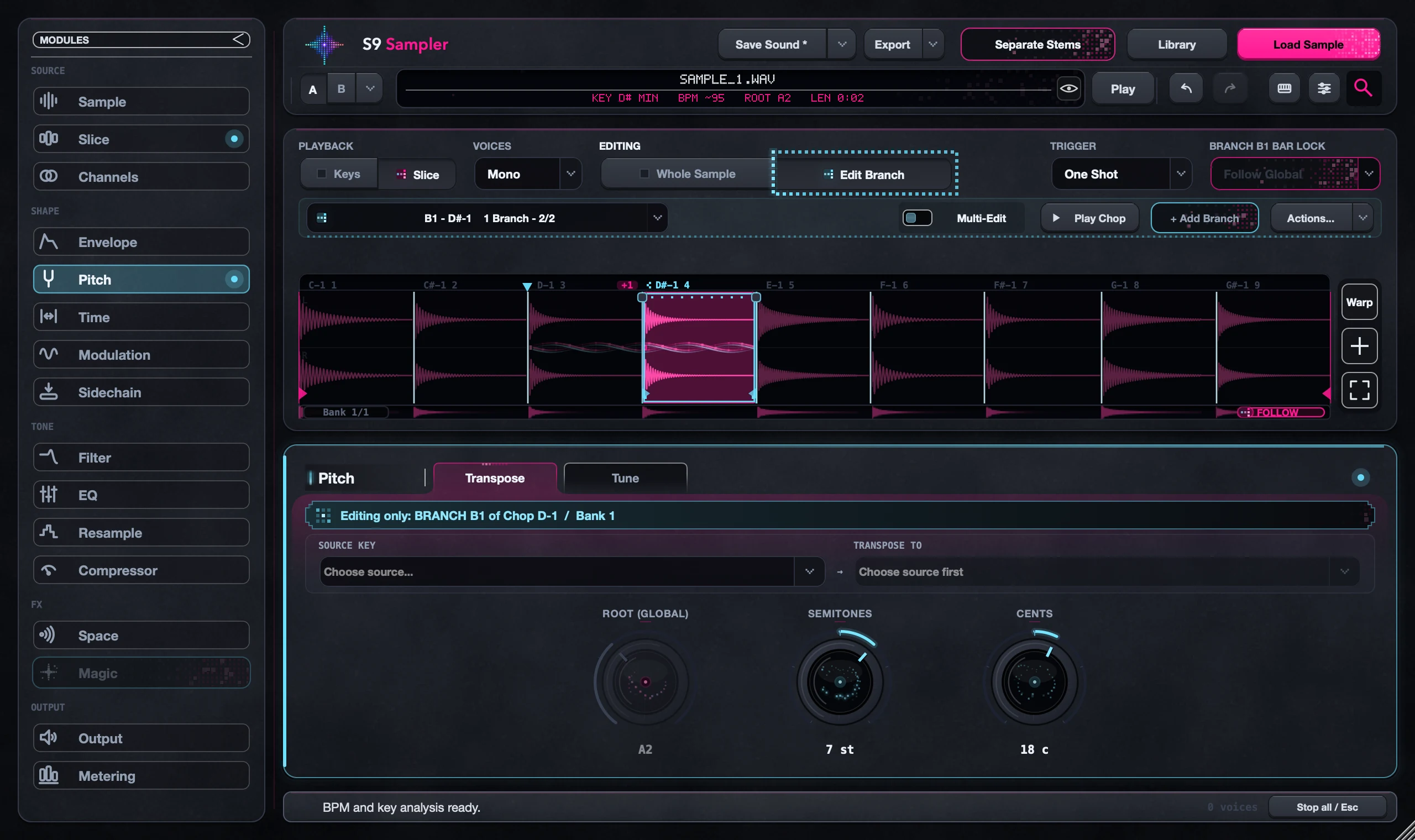
Round Robin plays the next version of a Chop each time you hit the same key, cycling through the Original and its Branches. Make a Branch or two first, then set the family to Round Robin.
Try it on a repeated snare, hat or short vocal shot. A small pitch or filter difference between versions is often enough to make a pattern feel less robotic.
For S9 Sampler 0.1.6 (paid beta). More help inside the app: Help & Shortcuts → Branches.
Step by step
Make a family
Select a Chop, choose Edit Chop and add a Branch with a clear difference. Two versions are enough to start.
Choose Round Robin
Set the family’s trigger rule, just below Editing, to Round Robin.
Hit the same key
Find the family’s key in Key Map and play it several times. You should hear the versions in turn.
Fine-tune
Adjust each version and play your pattern at tempo. Keep the level and timing even across the cycle.
Good to know
Round Robin or Random?
Round Robin cycles in order; Random picks a version each hit. Use Separate Keys when one key must always play the same version.
It is one recording
Every version plays the same piece of audio. For truly different takes, record or load other hits.
7 days, all features, no card, no automatic charge.