Choose sample variations by how hard you play
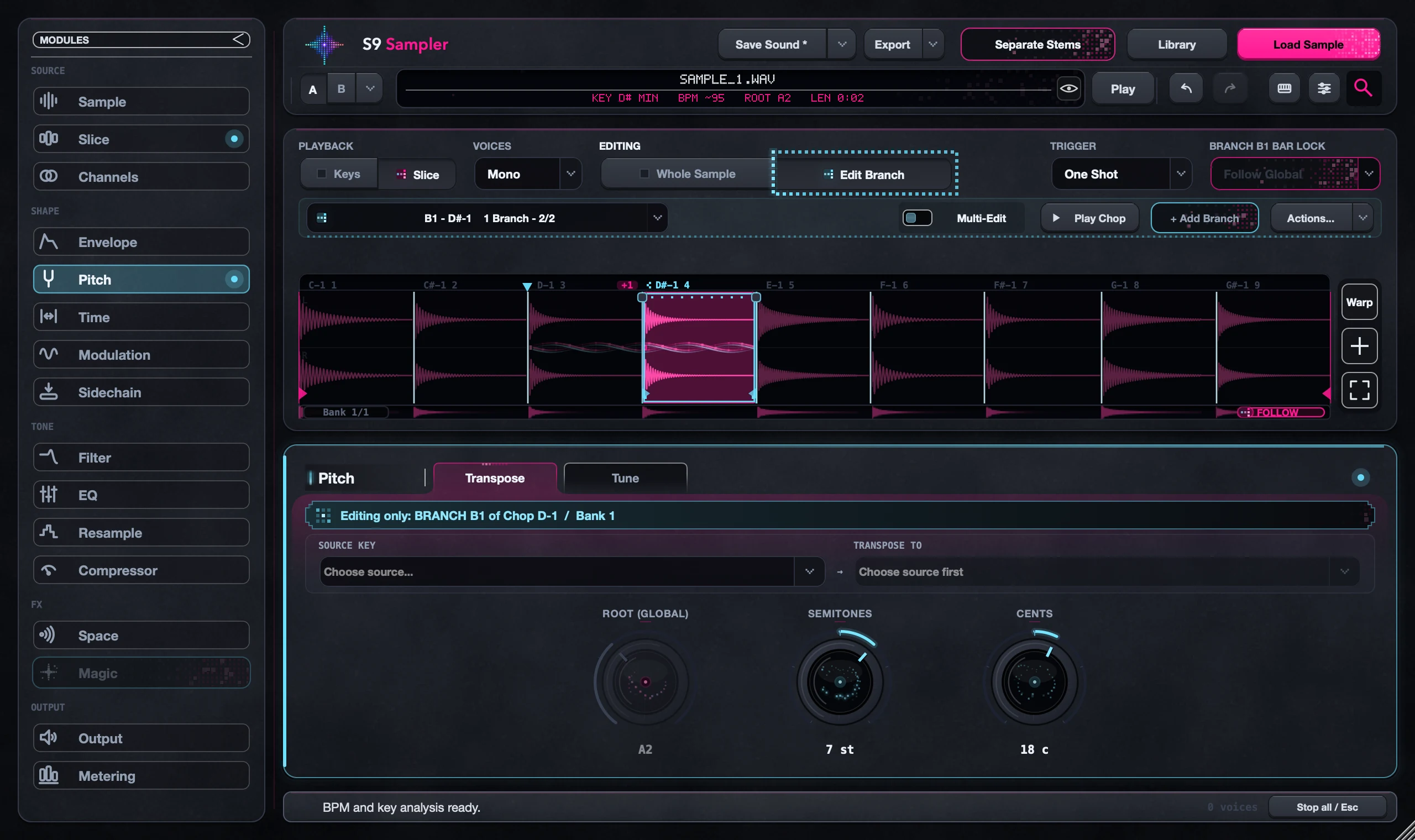
Velocity Split picks a version from a Chop family based on how hard you play. Give the Original and a Branch different treatments, set the family to Velocity Split, then play soft and hard.
Use it when a soft hit should sound gentle and a hard hit should bring a brighter, pitched or more processed version. All versions play the same piece of audio.
For S9 Sampler 0.1.6 (paid beta). More help inside the app: Help & Shortcuts → Branches.
Step by step
Make two clear versions
Select a Chop, choose Edit Chop, add a Branch and make it sound clearly different.
Choose Velocity Split
Set the family’s trigger rule to Velocity Split.
Play soft and hard
Play the key gently and firmly, or change note velocities in your DAW. A controller set to fixed velocity will always pick the same version.
Shape it for the part
Play your real pattern and adjust each version so the change between them feels musical.
Good to know
Louder isn’t the same as switching
Make the versions very different while you set this up, so you can hear the switch. Then dial the difference back.
Velocity only
The version is chosen by how hard you hit the key, not by aftertouch or MPE gestures.
7 days, all features, no card, no automatic charge.