Keep your favourite Remix blocks while changing the rest
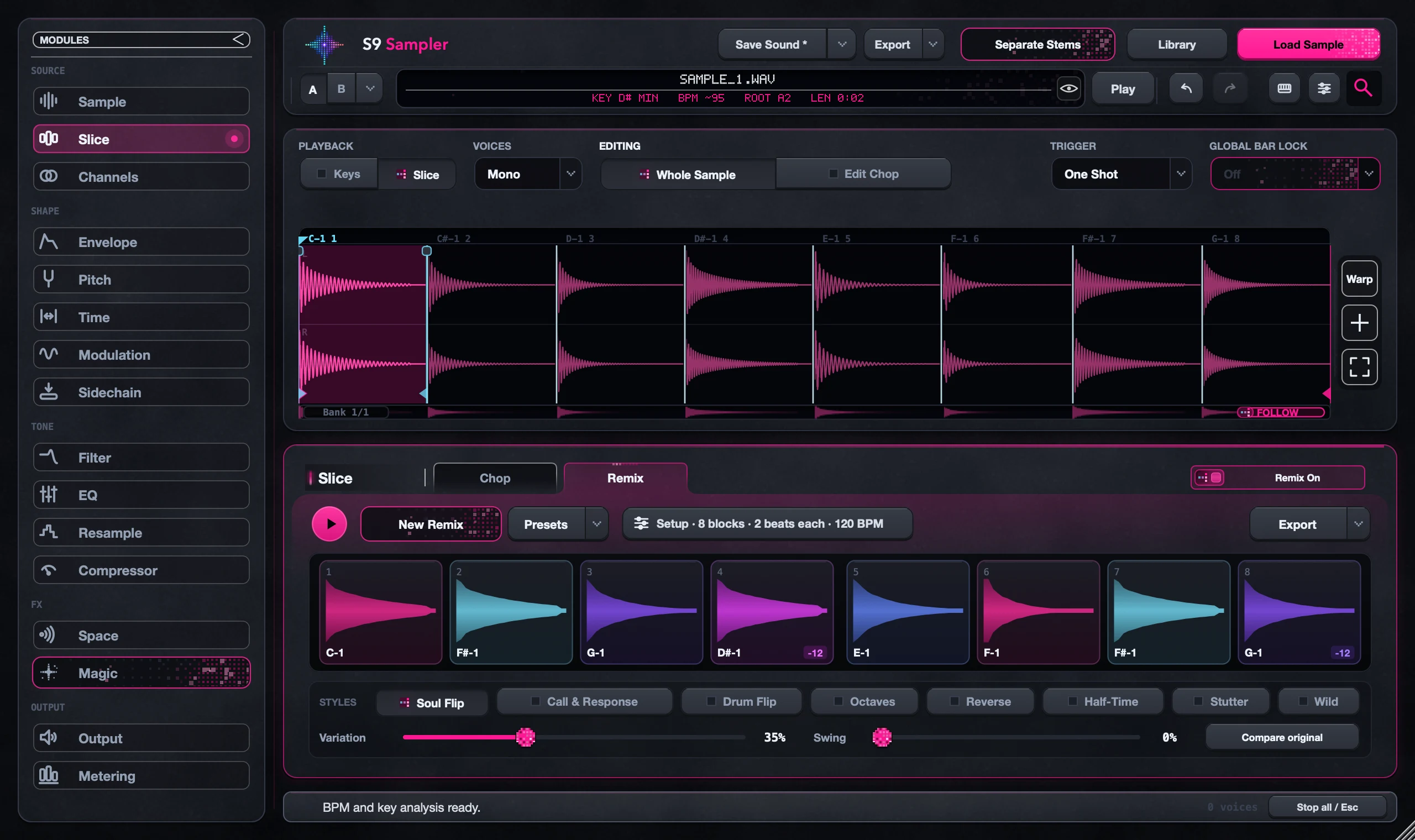
Lock the blocks you want to keep, then choose New Remix. Locked blocks stay and the rest of the pattern changes. A padlock shows which blocks are protected.
Perfect when a pattern has a great opening or answer but the rest needs another idea. Remix never rewrites your Chops; each block just plays a Chop with its own edits.
For S9 Sampler 0.1.6 (paid beta). More help inside the app: Help & Shortcuts → Remix.
Step by step
Play the pattern
Open Slice > Remix, choose a style and press Play. Listen to the whole loop.
Find the keepers
Click a block and use Hear block to loop just that block. Space plays or stops the whole pattern.
Lock them
Lock the blocks you want to keep and check the padlocks. Then choose New Remix.
Keep refining
Try other styles or change Variation. Unlock a block when it stops fitting.
Good to know
Listen to the joins
A block can sound great alone and awkward next to its neighbour. Play the full loop before you export.
Old locks stick around
If New Remix seems to change too little, check for padlocks you forgot about.
7 days, all features, no card, no automatic charge.