Compare two Lava bass settings without chasing loudness
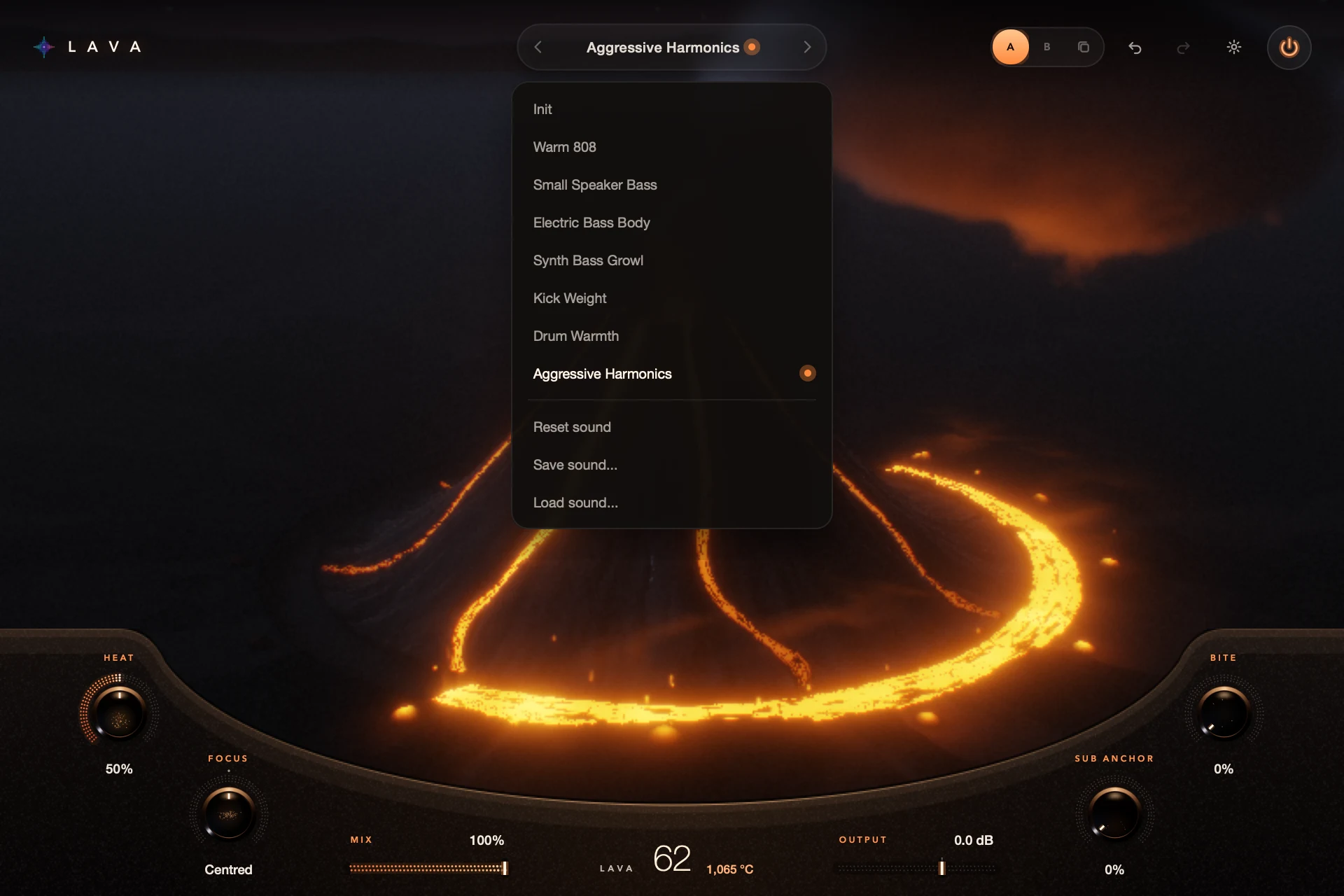
Use A/B to keep two settings side by side. Copy one to the other, change one thing, and switch while the same phrase plays. Match their levels with Output, because the louder one usually sounds better.
A/B compares settings; it doesn’t match loudness for you. Keep the same passage and listening level, and use your DAW’s meters as a check.
For S9 Lava 0.1.3.
Step by step
Set up A and B
Choose a starting sound, then use the A/B and copy buttons in the top bar to put it in both slots.
Change one thing
For example, try a gentler Heat on B and leave everything else.
Match the level
Adjust Output so both sound about as loud. Bypass ignores Output, so it won’t match automatically.
Choose in the song
Switch between A and B with the full arrangement playing, then save the winner.
Good to know
Meters help, ears decide
Two settings can show the same peak and still sound different in loudness. Use both.
A/B isn’t saving
A and B are for comparing while you work. Save the sounds you want to keep from the sound menu.
Every control included. No account, activation or trial limit.