Join drum hits that were split during extraction
In the drum extraction review, play the pieces with Play Hit. If one drum was split in two, select the pieces and choose Join Hits. Check the joined hit before you add it to your kit.
This happens after extraction, while you choose which hits go into your kit. It is different from joining Chops in the main waveform.
For S9 Sampler 0.1.6 (paid beta). More help inside the app: Help & Shortcuts → Drum Kits.
Step by step
Extract the drums
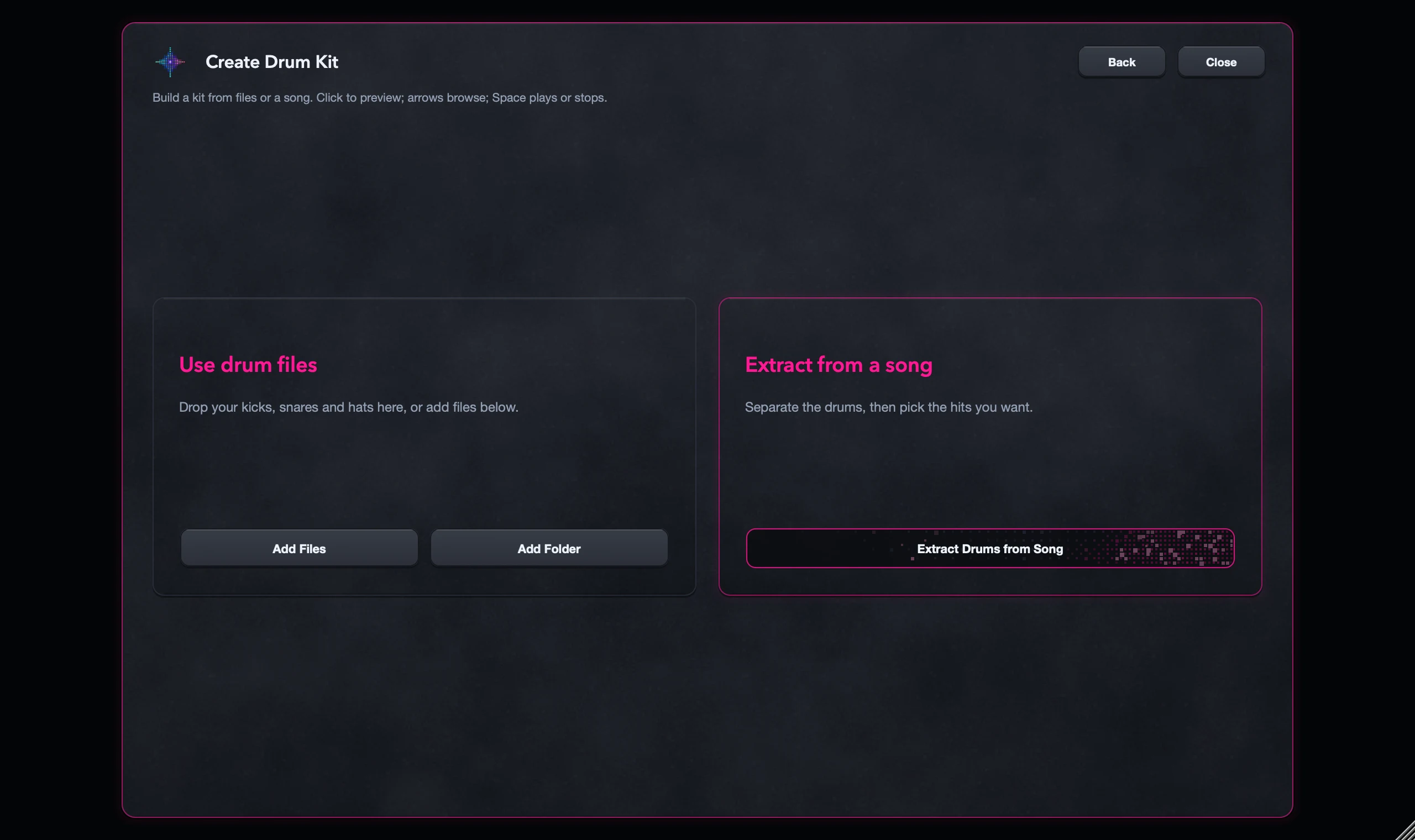
Use Create Drum Kit > Extract from Song on a recording you have the right to use. Then look through the hits.
Play the pieces
Use Play Hit on the pieces around an attack and its tail. Do they belong to one drum?
Join and check
Select them and choose Join Hits. Listen again and trim if the hit now includes too much.
Add to your kit
Select the hits you want, check the count and choose Add to Drum Kit(s). Then play them.
Good to know
Check the start and end
A joined hit should keep the attack and tail you wanted without pulling in the next drum.
Some mixes are too busy
Joining can’t clean up a crowded mix. Keep the better piece, or use your own drum files.
7 days, all features, no card, no automatic charge.