Build a drum kit from your own sample files
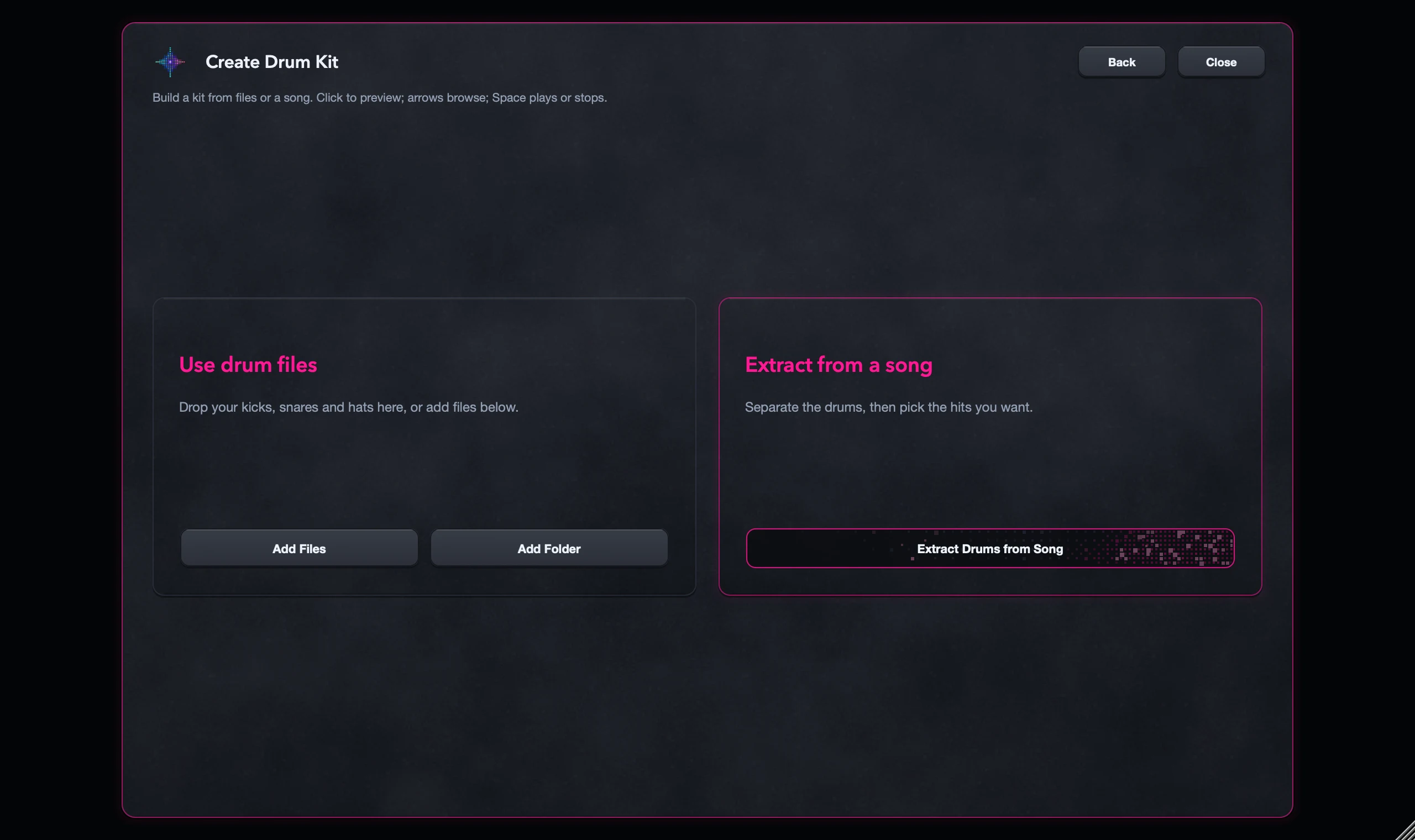
Open Load Sample > Create Drum Kit and choose Use drum files. Add files or folders, listen to the hits and create the kit. If your drums are still inside a song, use Extract from Song instead.
Start with a few kicks, snares and percussion sounds. A small kit is easier to map and level before you grow it.
For S9 Sampler 0.1.6 (paid beta). More help inside the app: Help & Shortcuts → Drum Kits.
Step by step
Gather your drums
Use drum files you have the right to use, and keep them in a folder that won’t move. Your saved kit points to them.
Add the files
Choose Create Drum Kit > Use drum files, then Add Files, Add Folder or drop audio in. Wait for folder scans to finish.
Listen and map
Play the hits and check the start note and Key Map, so your controller’s pads play the right sounds.
Create and save
Create the kit, play it and save it in your Library. Use Portable Pack to move it to another computer.
Good to know
Edit one drum or all of them
Choose Edit Drum to shape one hit, or Whole Kit for the shared sound.
Files or a song?
Adding a folder doesn’t separate anything. For hits inside a song, extract them first.
7 days, all features, no card, no automatic charge.