Install S9 Sampler on a Mac
Download the Mac package from the S9 Sampler page and run it. It installs both the AU and the VST3, for Apple Silicon and Intel. S9 Sampler is a plug-in, so it opens inside your DAW on an instrument track. There is no separate app in Applications.
Logic Pro uses the AU. Other DAWs that support VST3 can use the VST3. One installer and one licence cover both formats.
For S9 Sampler 0.1.6 (paid beta).
Before you install
macOS 13.3 or later · Apple Silicon and Intel · AU / VST3
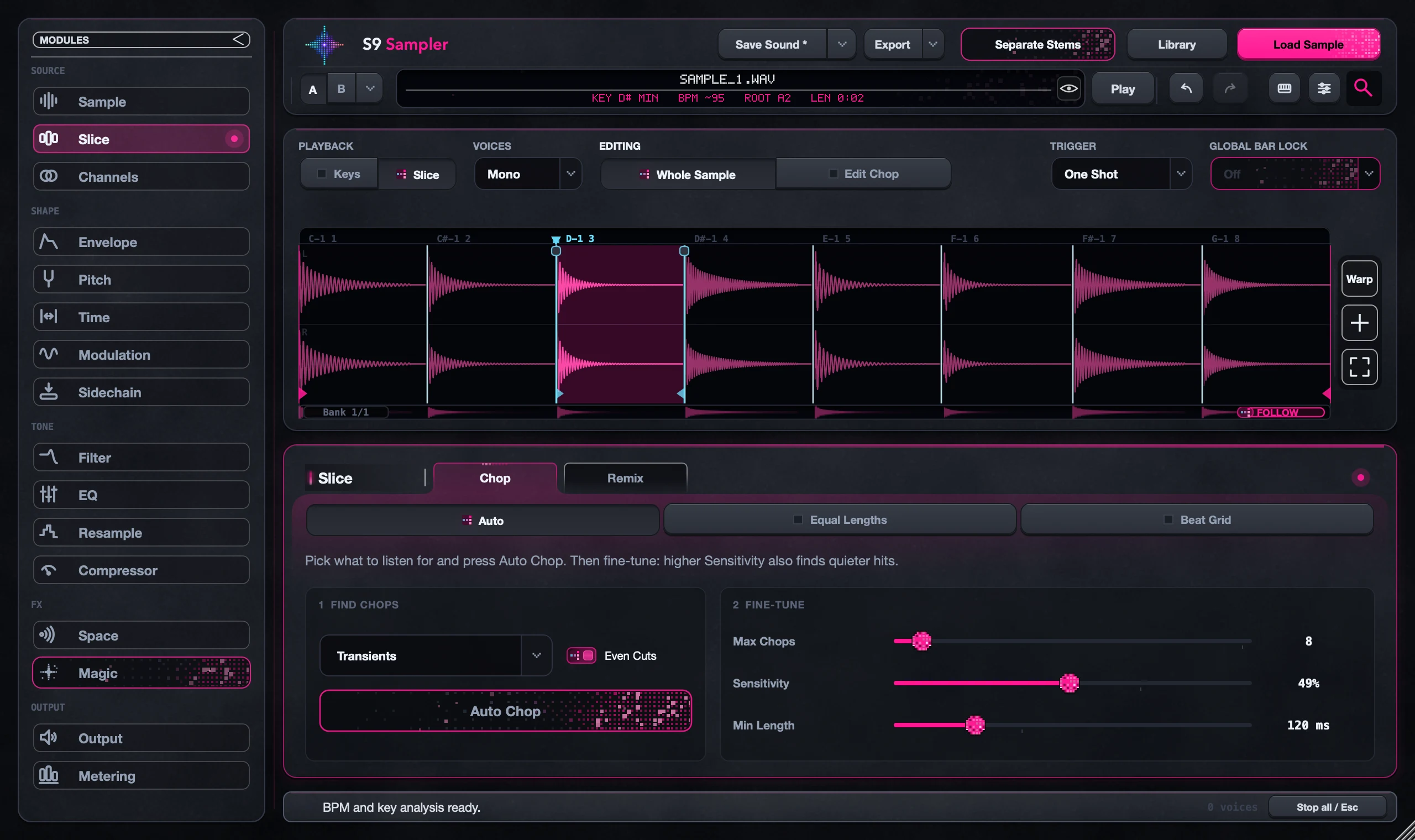
Step by step
Save and quit your DAW
Save your project and quit the DAW before you install.
Run the installer
Click through Welcome, Licence, Install and Done. The AU goes to /Library/Audio/Plug-Ins/Components and the VST3 to /Library/Audio/Plug-Ins/VST3.
Add it to an instrument track
Reopen the DAW, let it scan for new plug-ins and add S9 Sampler to a software instrument track. It is an instrument, not an audio effect.
Start your trial
Choose Activate / Try Free on the welcome screen and sign in when your browser asks. Then load a short sample and play a note.
Good to know
Can’t find it in your DAW?
Look in the AU or VST3 instrument list, not the effects list. If it still isn’t there, run your DAW’s normal plug-in rescan.
Recording your Mac’s sound needs macOS 14.2
Recording your Mac’s own playback with Computer Mix needs macOS 14.2 or later. Loading files and recording an audio input work on the standard minimum.
7 days, all features, no card, no automatic charge.