Install S9 Sampler on Ubuntu Linux
The Linux beta is a native x86_64 VST3, tested on Ubuntu 24.04. Download the archive, extract it and run ./install.sh. It installs into your own ~/.vst3 folder, so you don’t need sudo.
Your DAW still handles playback and MIDI devices. For recording, S9 Sampler uses PulseAudio or PipeWire’s PulseAudio service. A trial or subscription needs an unlocked Secret Service keyring, and the plug-in needs the libgomp.so.1 library.
For S9 Sampler 0.1.6 (paid beta).
Before you install
Ubuntu 24.04 x86_64 · VST3 · PulseAudio or PipeWire · Secret Service keyring
Step by step
Extract the archive
Download the Linux file from the S9 Sampler page, extract it and read INSTALL.txt. Save your project and close your DAW.
Run the installer
Run ./install.sh from the extracted folder and confirm its prompt. It installs the whole plug-in to ~/.vst3 and keeps any older copy outside the scan folder. Don’t copy single files out of the bundle.
Check your desktop services
Make sure PulseAudio or PipeWire-Pulse is running and your keyring is unlocked. A keyring prompt is normal: it is where your trial or subscription is stored.
Scan and play
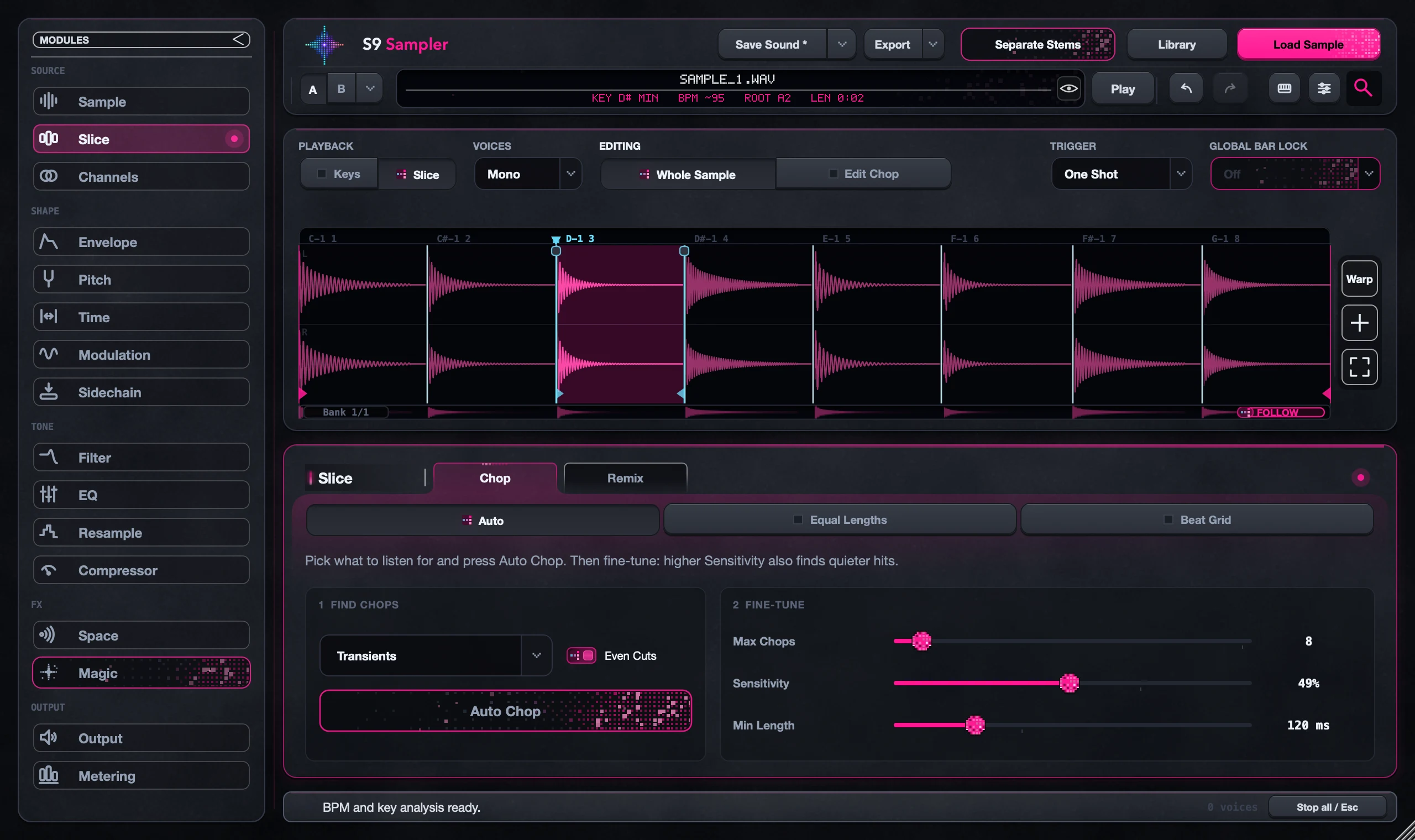
Reopen a VST3 host, scan ~/.vst3 and add S9 Sampler as an instrument. Activate it, load a sample and play a note.
Good to know
What has been tested
Ubuntu 24.04, including WSL and a desktop virtual machine. Physical audio interfaces, hardware MIDI and other distros and DAWs haven’t been tested yet. The release notes have the details.
Silent? Check routing first
If the plug-in opens but you hear nothing, check that a sample is loaded, MIDI reaches the track and the DAW’s output works. If recording shows no sources, check the PulseAudio or PipeWire-Pulse service.
7 days, all features, no card, no automatic charge.