Install the free S9 Lava effect
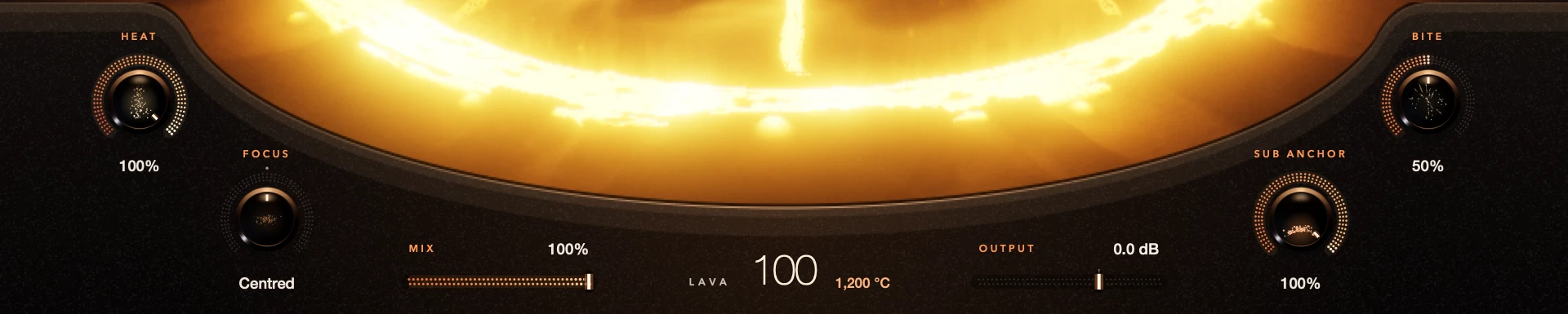
S9 Lava is a free effect for bass warmth, weight and bite. Download the file for your system, install it and add Lava to a bass track in your DAW. Every control is included. There’s no account, activation or trial limit, and it works offline.
Lava is an audio effect, not an instrument. Put it on a track with audio, or after a bass instrument, so it has something to process.
For S9 Lava 0.1.3.
Before you install
macOS 13.3 or later · Apple Silicon and Intel · AU / VST3; Windows 10 or later · 64-bit Intel/AMD · VST3; Linux x86_64 · glibc 2.35+, GCC 12 runtime, OpenSSL 3 · VST3
Step by step
Download your version
Get the Mac, Windows or Linux file from the S9 Lava page. Check the system requirements below.
Install with your DAW closed
Save your session, close the DAW and follow the installer or archive instructions. Keep the plug-in bundle in one piece.
Open it in your DAW
Use AU or VST3 on Mac, VST3 on Windows and Linux. Reopen the DAW, let it scan and add S9 Lava as an effect.
Play some bass
Play a bass part through it and raise the volcano a little. Then check Mix, Output and your meters.
Good to know
What’s tested
The release notes list the tested setups. There’s no AAX, ARM Linux or 32-bit version in this release.
Really free
There is nothing to unlock. S9 Sampler is a separate product with its own trial.
Every control included. No account, activation or trial limit.