Export selected Chops as one audio phrase
Select the Chops you want and choose Export > Selected Chops. You get one continuous WAV with those Chops in waveform order, skipping the ones you didn’t select. Your sample stays as it is.
Useful for pulling a few moments out of a long recording. The order follows the waveform; for a new order, make a Remix and export that.
For S9 Sampler 0.1.6 (paid beta). More help inside the app: Help & Shortcuts → Save & share.
Step by step
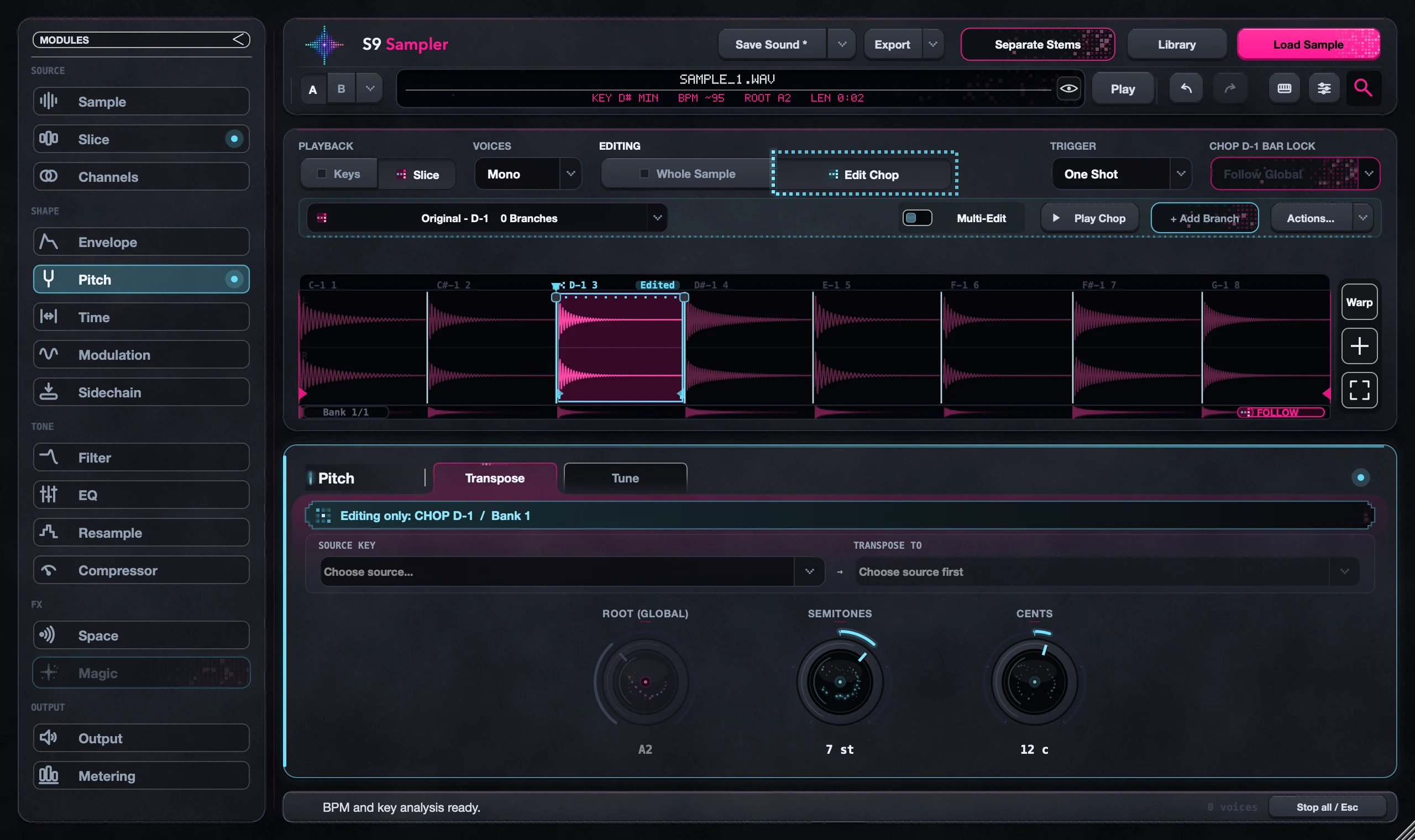
Select the Chops
Use Multi-Edit, or Shift-click and Shift-drag. Chops far apart are fine.
Export
Choose Export > Selected Chops, or right-click the selection. Pick With Effects or Without Effects.
Let it finish
Follow the progress and choose where to save. Cancel if something looks wrong.
Listen to the file
Play the WAV through the joins and the ending, and check that only the Chops you wanted are there.
Good to know
Without Effects
Without Effects skips the effects but keeps your pitch and timing edits. It isn’t a copy of the untouched source, so keep your originals.
Need separate hits?
This makes one continuous file. For separately playable hits, build a drum kit. For a new order, use Remix.
7 days, all features, no card, no automatic charge.