Reuse a sound’s effects on a different sample
Use Save FX Preset to keep your Whole Sample effects, then load another sample and use Load FX Preset. An FX preset stores the effect settings only, not audio or Chops. Chops with their own edits keep them.
Great when you love a filter, movement, space or Magic treatment and want it on another recording. Use Save Sound when you need the whole sound, Chops included.
For S9 Sampler 0.1.6 (paid beta). More help inside the app: Help & Shortcuts → Library & files.
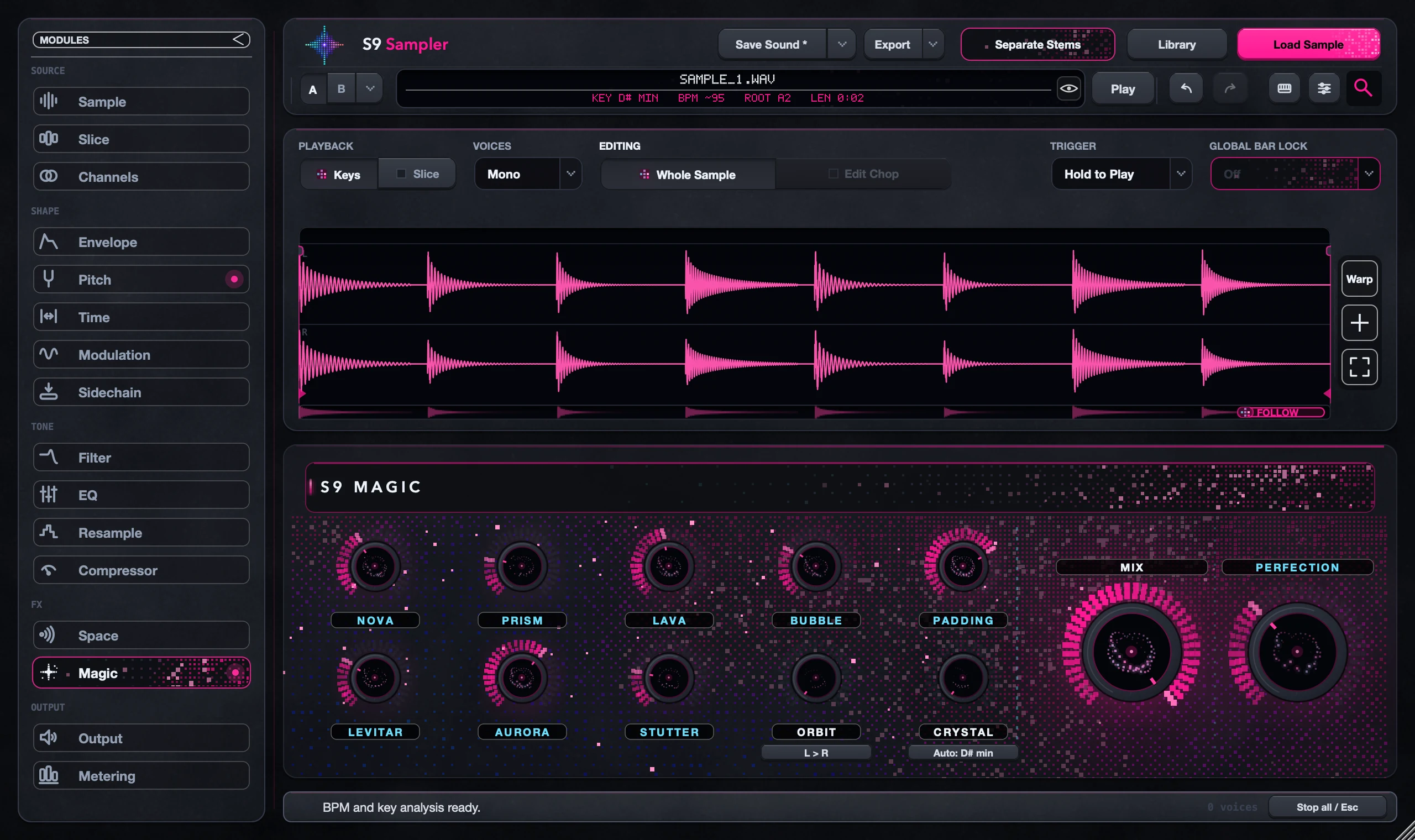
Step by step
Set up the effects
Choose Whole Sample and shape the effects you want to reuse. Try them on a few parts of the sample.
Save an FX preset
In the Save menu, choose Save FX Preset and name it. If the name exists, you’re asked before it is replaced.
Load it on new audio
Load your new sample, then choose Load FX Preset. Recent presets are listed; More shows the rest.
Listen and adjust
Play the new sound. If a Chop keeps its own sound, check its Edited badge. Undo restores the previous effects.
Good to know
Every sample reacts differently
The same effects can sound very different on a drum hit and a long phrase. Treat the preset as a starting point.
Not a backup
A .s9fx file holds no audio. To keep a whole sound, save it or export a Portable Pack.
7 days, all features, no card, no automatic charge.