Blend bass saturation with the original using Lava Mix
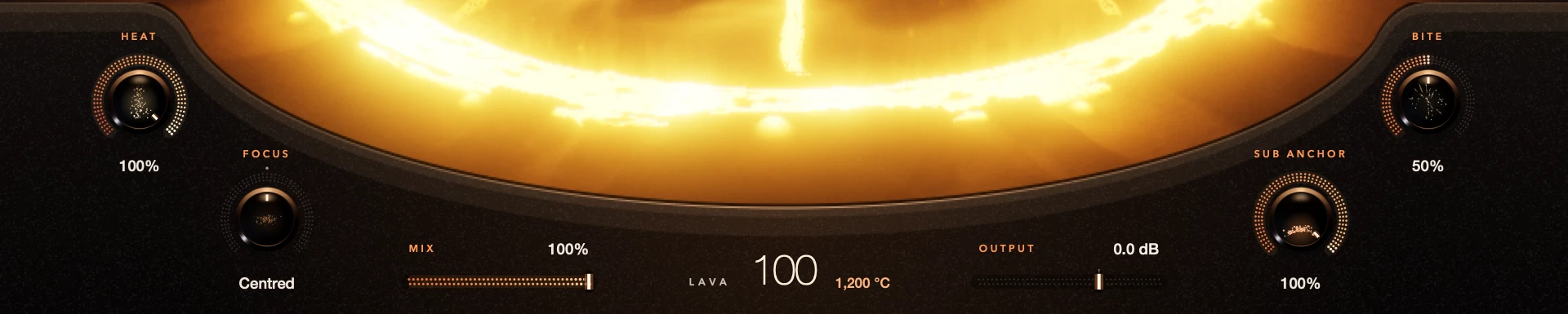
Mix blends your original bass with Lava’s processed sound, perfectly lined up. Output comes after the blend. Shape the processed sound first, then pull Mix back until both sit together.
It works like parallel saturation without an extra bus. It isn’t a safety net, though: a lot of low end and a high Output can still push the next plug-in too hard.
For S9 Lava 0.1.3.
Step by step
Hear the full effect
On a bass part, set the volcano, Heat and anything else you need. Make it clear enough to hear.
Blend it back
Pull Mix toward the original, then bring it up until the character helps. Halfway isn’t always right.
Set the level
Set Output after you choose the blend. Check your DAW’s meters.
Check the whole part
Play the passage with the other instruments, including high and low notes.
Good to know
Mix and bypass are different
Mix is a creative blend. Bypass plays the untouched bass and ignores Output, so match levels before you compare.
Mix isn’t a limiter
Lava has no output ceiling. If it gets too loud or heavy, lower Mix, the shaping controls or Output.
Every control included. No account, activation or trial limit.