Make a playable instrument from one short sound
Choose Instrumentize from a Chop’s menu, or Load Sample > Instrumentize for a file or recording. Preview it across the keyboard, then choose Load Instrument and play. Start with a clear note or hit.
Use it when one sound should become a melody or bass part. Try high and low notes, not just the original pitch.
For S9 Sampler 0.1.6 (paid beta). More help inside the app: Help & Shortcuts → Instruments.
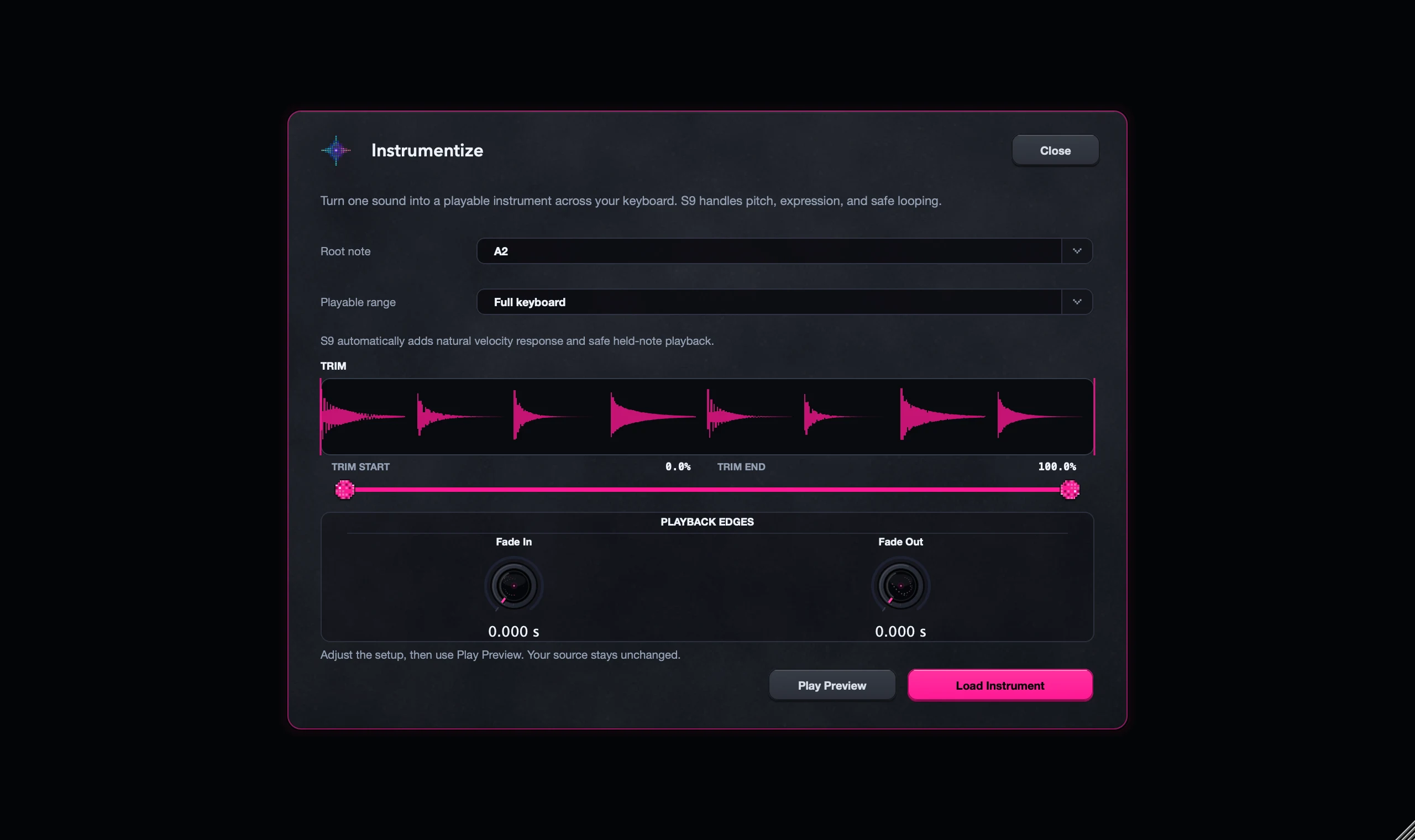
Step by step
Pick a clear sound
Right-click a Chop and choose Instrumentize, or open Load Sample > Instrumentize. A single clean note works best.
Preview across the keyboard
Listen to the attack, pitch and sustain on low, middle and high notes. Adjust the shaping and loop controls before you accept.
Load and play
Choose Load Instrument and play your part in Keys. The Root note shows the original pitch.
Save it
Use Save Sound to name it in your Library. Use Portable Pack to take it to another computer.
Good to know
You can go back
Loading the instrument starts a fresh A/B, but Undo brings back your previous sample.
One sound, stretched
Instrumentize plays one recording at every pitch. Very high or low notes may not suit it, so keep the range that sounds good.
7 days, all features, no card, no automatic charge.