Every chop gets its own treatment.
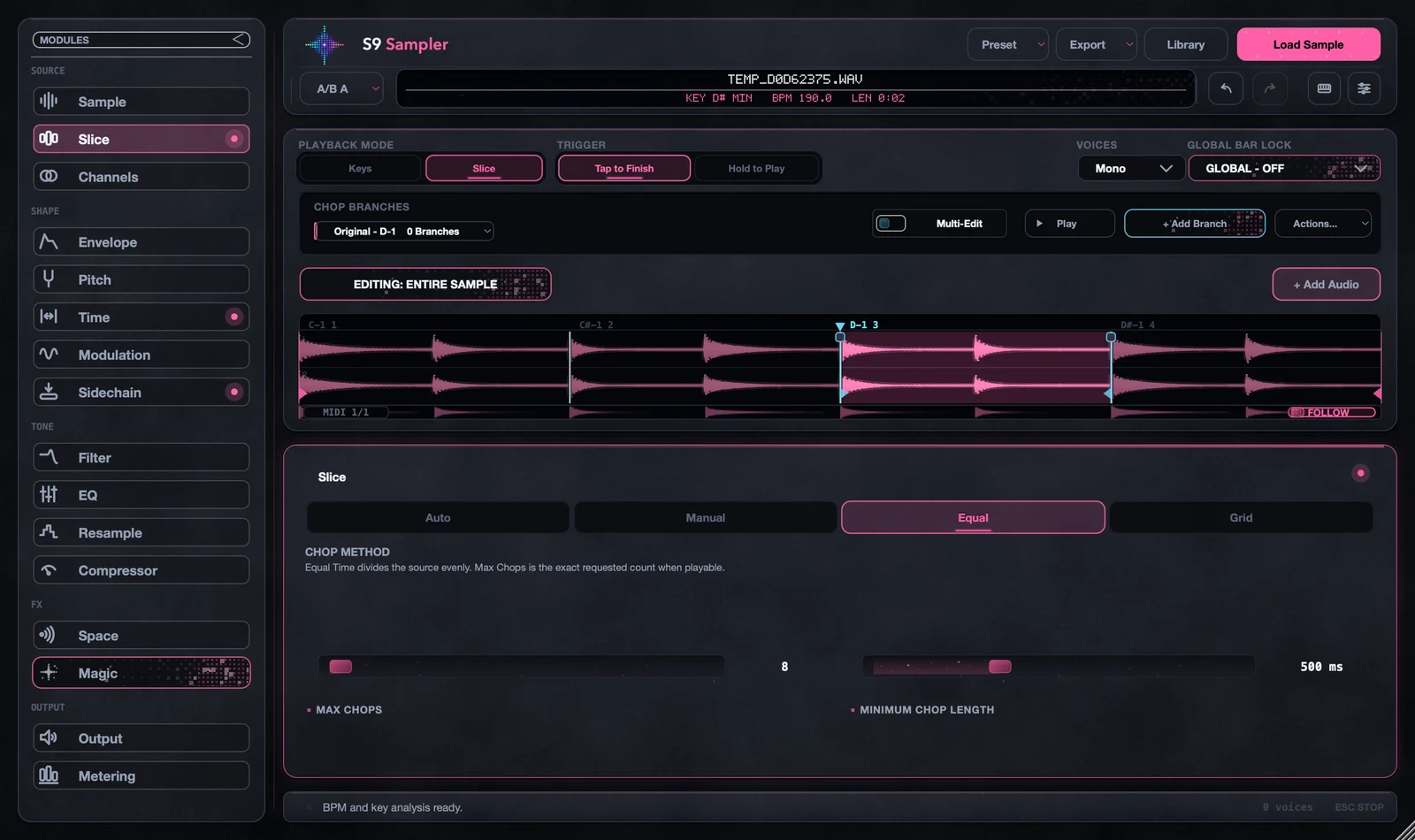
Auto-chop a sample, play it, and edit the sounds individually.
S9 Sampler
Auto-chop samples, separate stems, edit each chop, add Magic, and export sample packs to share with other producers.
Paid beta at launch. Stable version 1 included.
A sample is a starting point. Chop it, branch out, and take each sound somewhere different.
Eight ways to take a sound somewhere else.
All inside Sampler.
Auto-chop a sample, play it, and edit the sounds individually.
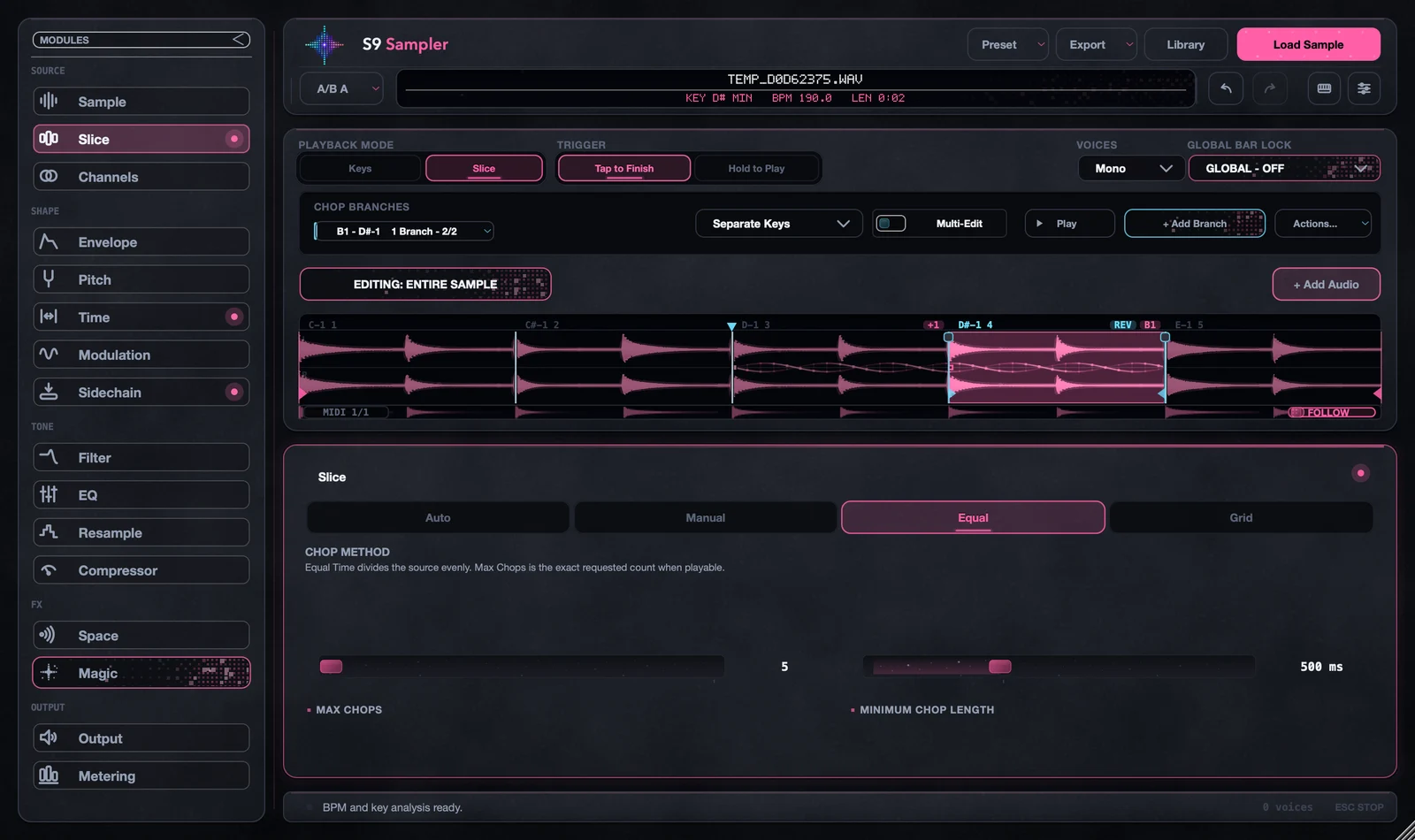
Branch a chop into variations without losing the sound you started with.
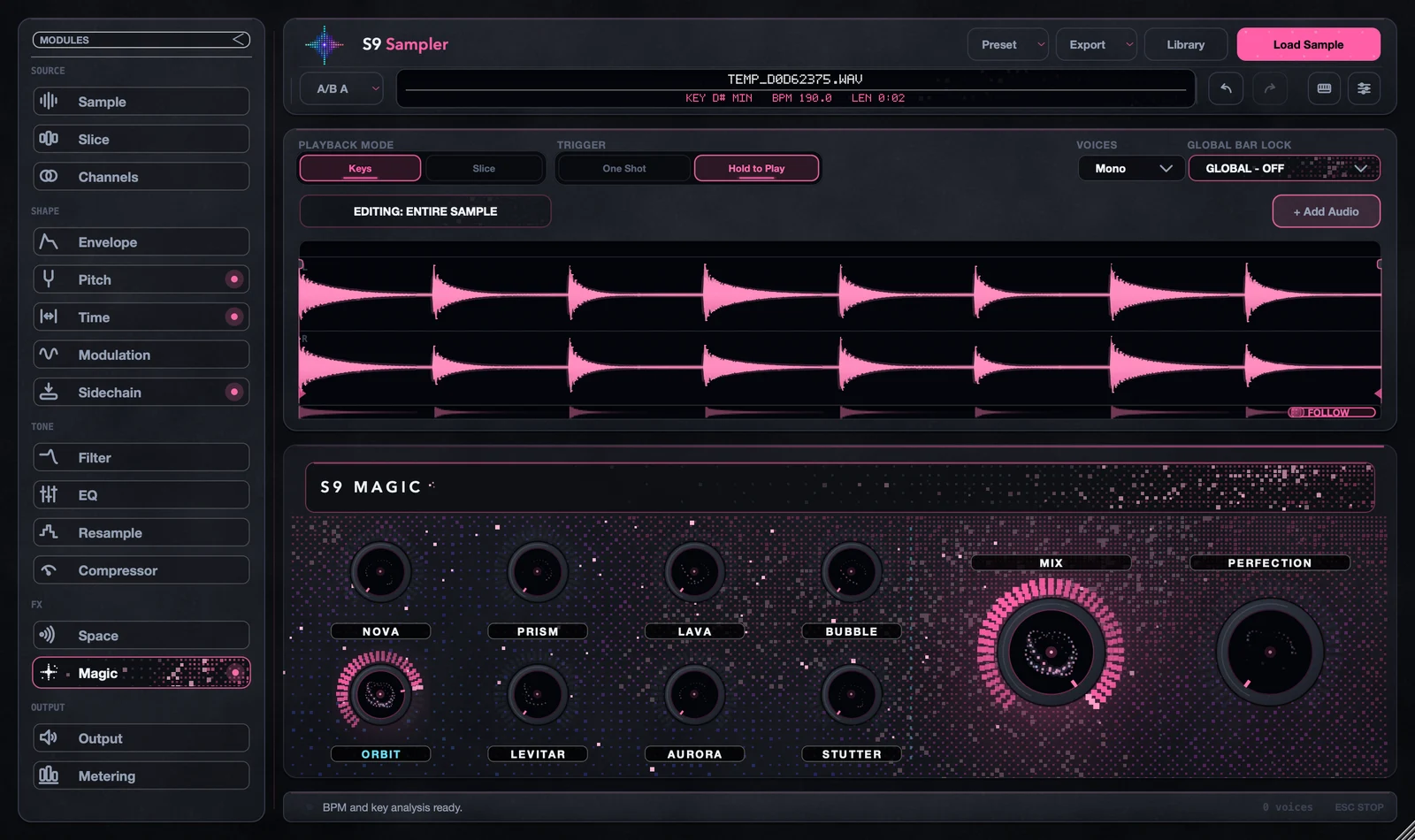
Explore eight sound-shaping controls, included in Sampler.
Build a drum kit and share a Sampler pack with its processing settings.
Render your samples and drag WAV or MIDI exports into your DAW.
Build a kit from your chops. Add more sounds, render the result, and share a Sampler pack with its processing settings.
Separate stems, arrange them after one another, or keep adding sounds alongside your starting material. Export WAV and MIDI for the next part of your session.
Sampler packs require S9 Sampler. WAV and MIDI exports are separate formats.
Full access. Choose how you pay.
Sales are not open yet.
You get access while we continue refining Sampler and expanding compatibility testing. A perpetual beta purchase includes stable version 1. Known issues and tested systems will be listed before sales open.
The release compatibility list is being finalized. Only systems and formats verified for the downloadable release will be advertised when sales open.
Permanent use of version 1, its stable release and version 1 updates. Activate one computer and use as many plugin instances as your session needs. Future major versions are not automatically included.
Yes. Cancel from your account at any time. Access continues through the period you have paid for. A subscription does not convert into a perpetual licence.
Yes. Deactivate the old computer from your account and activate the replacement. If your old computer is unavailable, you can still release its activation from the account page.
Yes. Your licence allows commercial music production. You remain responsible for the rights to samples and other material you import.
Sign in to your account using your purchase email. Downloads, licences and billing are there. For installation or beta feedback, visit Support.